Need help?
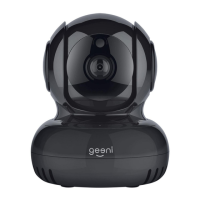
Do you have a question about the GEENI CW021 and is the answer not in the manual?
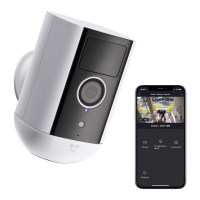
Instructions and links to download the Geeni application from app stores for mobile devices.
Step-by-step guide to creating a new Geeni account using mobile number or email address.
Guide on connecting the camera to power and understanding indicator lights and basic mounting.
Step-by-step instructions for connecting the camera using the Easy Mode via the Geeni app.
Alternative method for connecting the camera using a QR code displayed on your mobile device.
Guidance on resolving issues related to connecting the camera to your Wi-Fi network.
 General
| Model | CW021 |
|---|---|
| Type | Indoor Security Camera |
| Resolution | 1080p |
| Two-Way Audio | Yes |
| Motion Detection | Yes |
| Compatibility | iOS, Android |
| Field of View | 110 degrees |
| Night Vision | Yes |
| Connectivity | Wi-Fi |
| Storage | MicroSD card, Cloud Storage |
| Power Source | AC Power |
| Operating Temperature | 0°C to 40°C (32°F to 104°F) |


 To Next Page