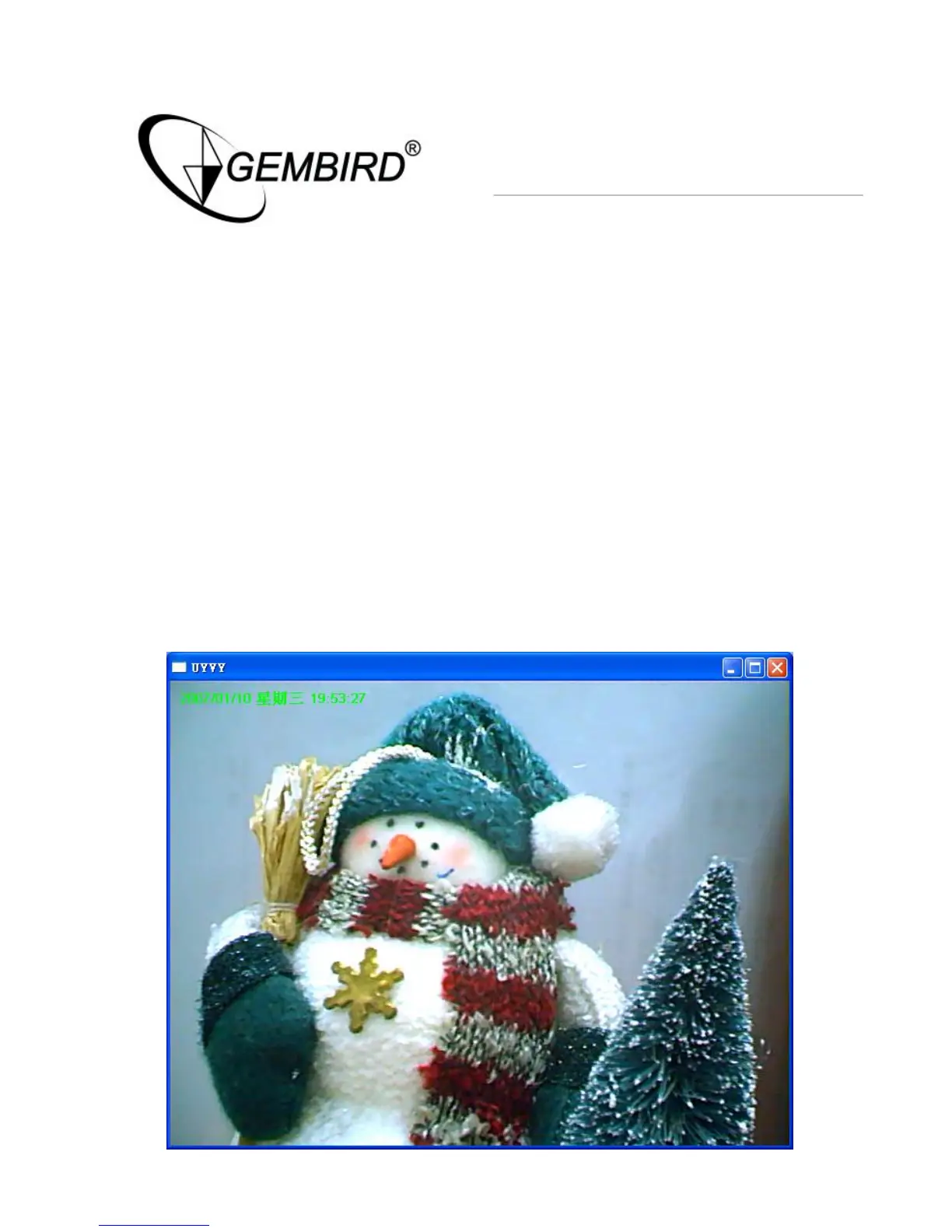
Change Resolution
The Internet Camera supports two resolution, 640x480 (VGA) and
320x240 (CIF). You can change the resolution of each Internet Camera by
clicking the resolution button.
Note: Before changing the resolution of the Internet Camera, you have to
select the Internet Camera by clicking the camera button first. If you
change the resolution of an Internet Camera, other clients who are
viewing the same Internet Camera simultaneously will also see the video
with the changed resolution, too.



 To Next Page