Web Connection and Setup
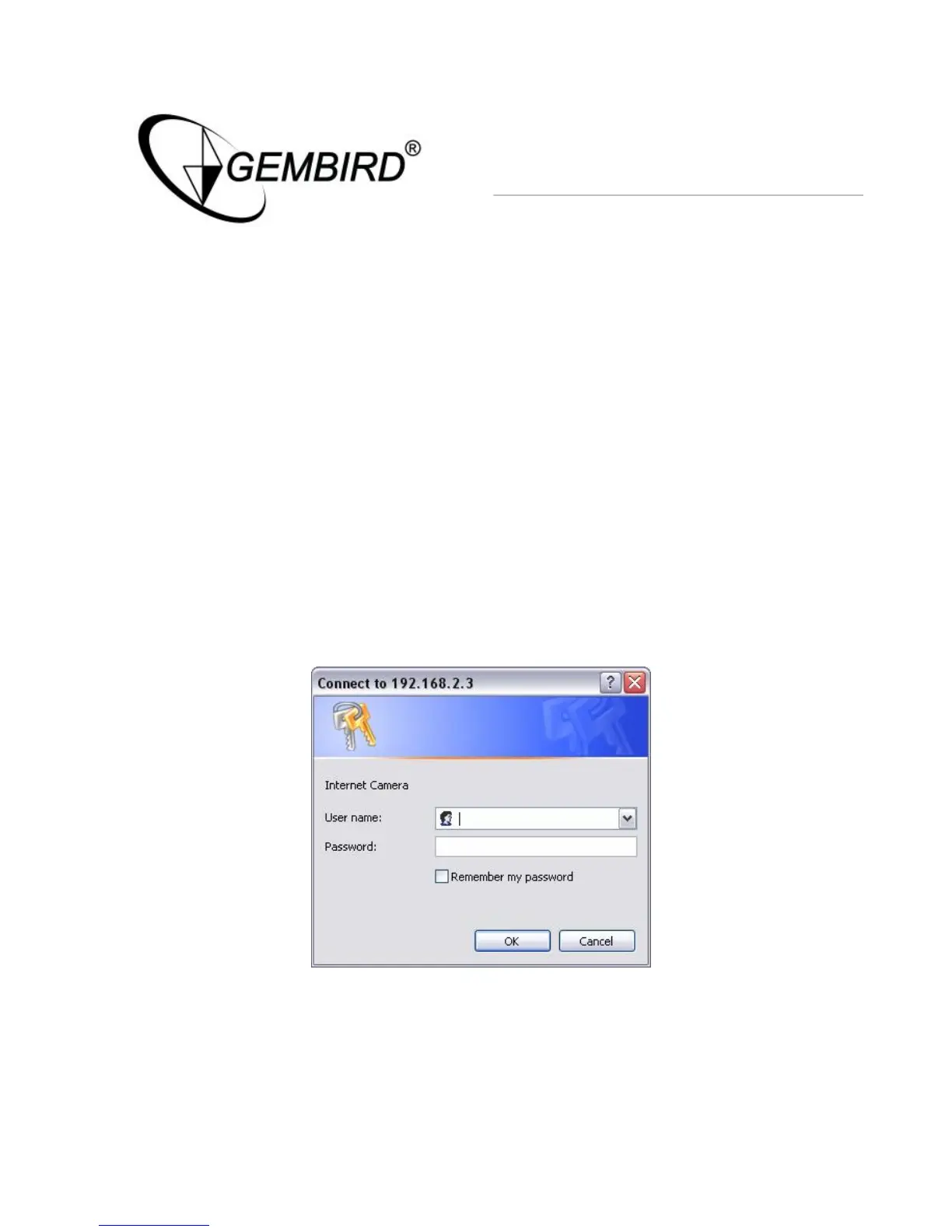
You can use the Web browser to connect the camera for viewing or
setting. Open the web browser and enter the IP Address of the camera to
establish a connection. The default IP Address of the camera is
“192.168.2.3”.
When the welcome screen appears, enter the “Admin Name” and
“Password”. The default values are:
Admin Name: “admin”
Password: “1234”
When the camera is connected, the browser will take you to the live video
page. If you are viewing this camera at first time, the following dialog will
appear to install the ActiveX plug in.



 To Next Page