Opening the Master Control
032-0207-EN Rev 0
1-6
Remote Configuration Instructions
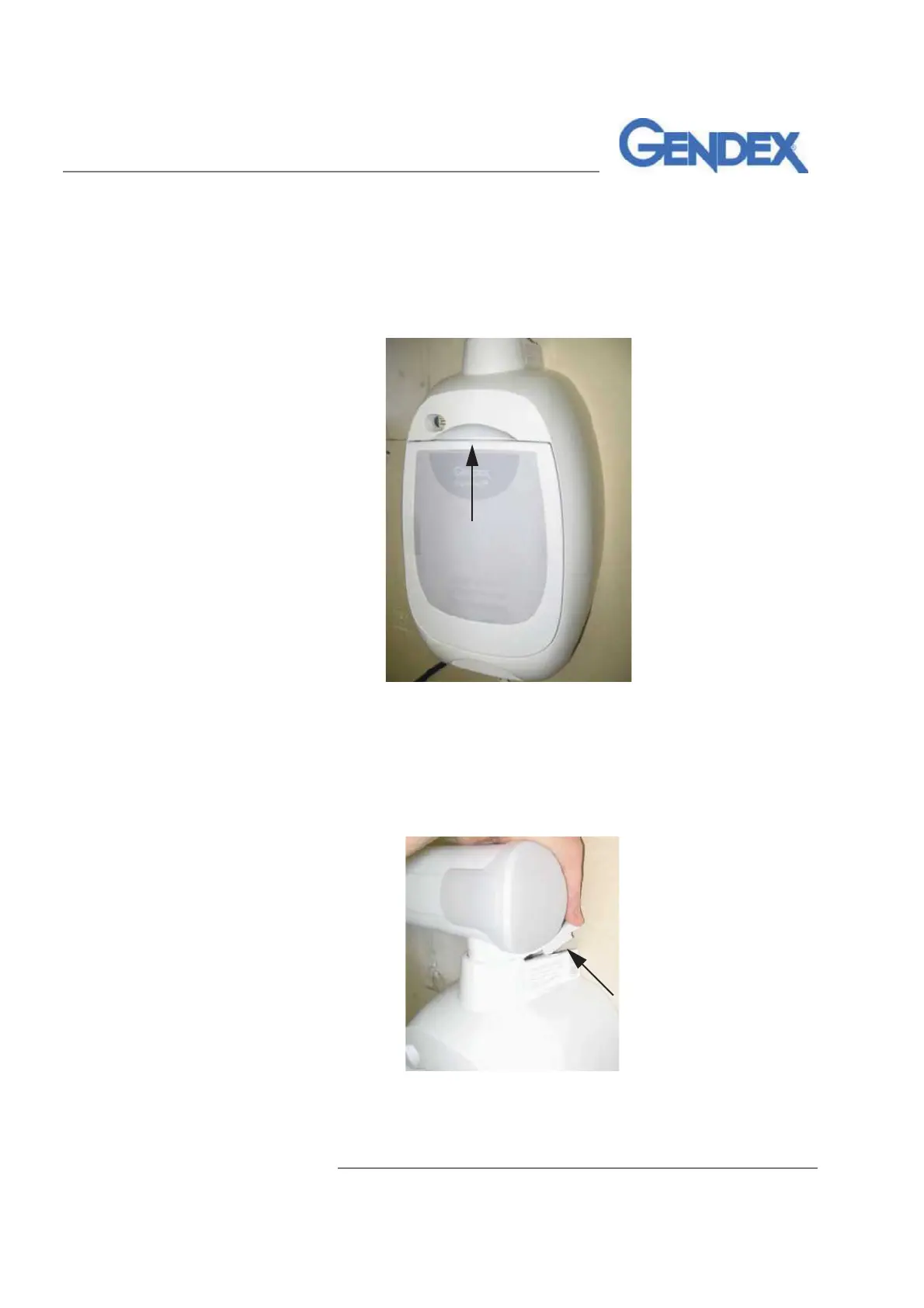
To open the Master Control in systems with the Master Control Touch Panel
mounted on a wall plate (Remote configuration):
1. Pull out at the top of the blank panel.
Figure 1-7 Removing the Blank Touch Panel
2. Lay the blank panel aside. This will be reinstalled later.
3. Position the Horizontal Arm so that it is parallel to the wall.
4. Remove the small top cover by pulling up at the corner, and lay the
cover aside; this will be reinstalled later.
Figure 1-8 Removing the Top Cover
(Continued)



 To Next Page