8 Calibration and adjustment
90 Gendex Dental Systems
207723 rev 7
8.4.2 3D pixel calibration
1. Remove the 3D calibration phantom.
2. Select the program.
3. Press Patient In.
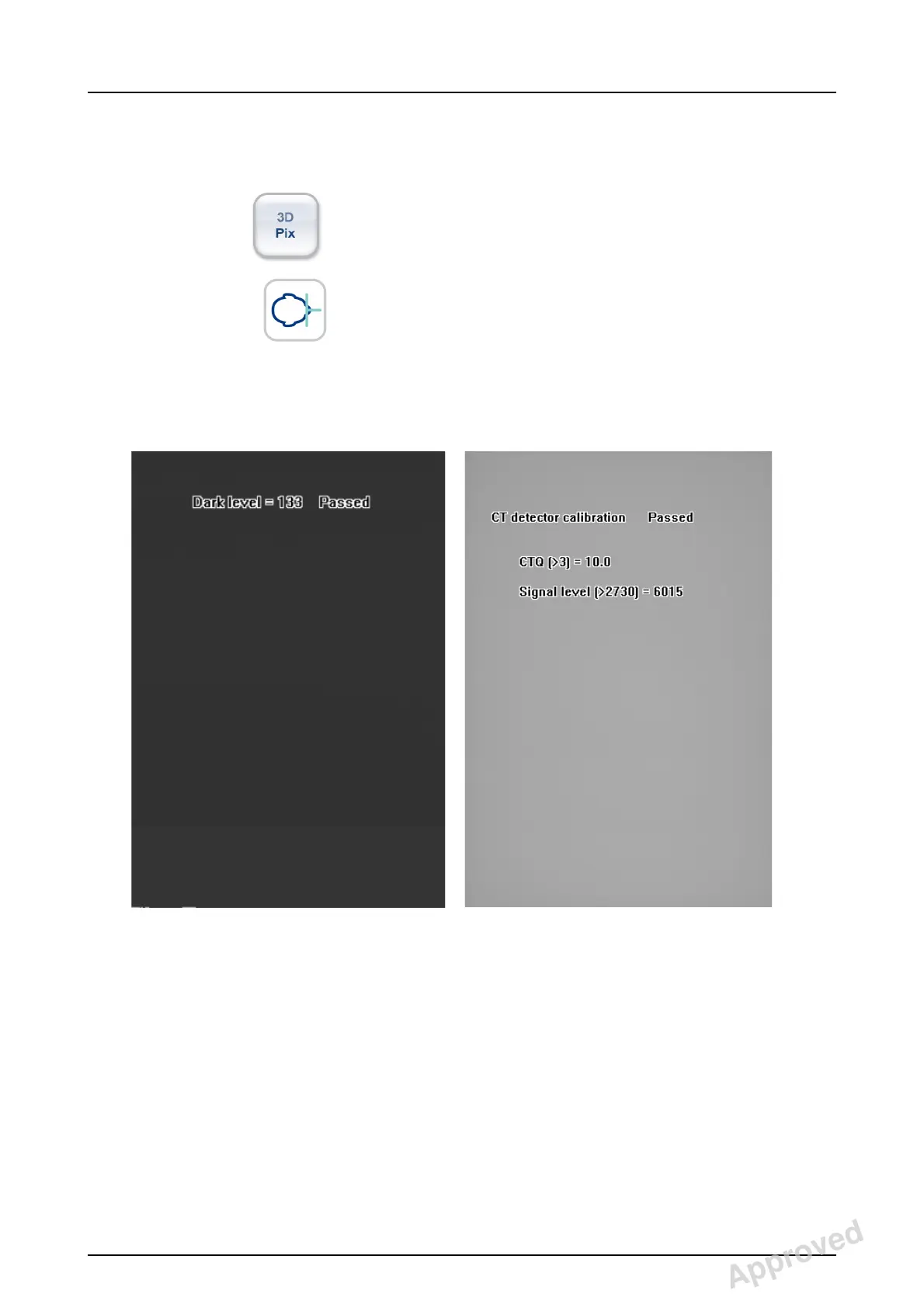
4. Take an exposure. The result image informs when the
calibration is passed.
Approved: Laihonen Tuuli 2016-12-02 16:41
Reviewed: Nieminen Timo Antero 2016-12-02 15:31
Approved
See PDM system to determine the status of this document. Printed out: 2017-03-22 10:54:38
D507729, 7
Copyright © 2016 by PaloDEx Group Oy. All rights reserved.



 To Next Page
 Loading...




