WALRUS 5000C
Page | 16
PRE-SETTING HEATING TIMES
The digital control can be used as a 7-Day timer, and is able to be
preset to switch on up to three times a day.
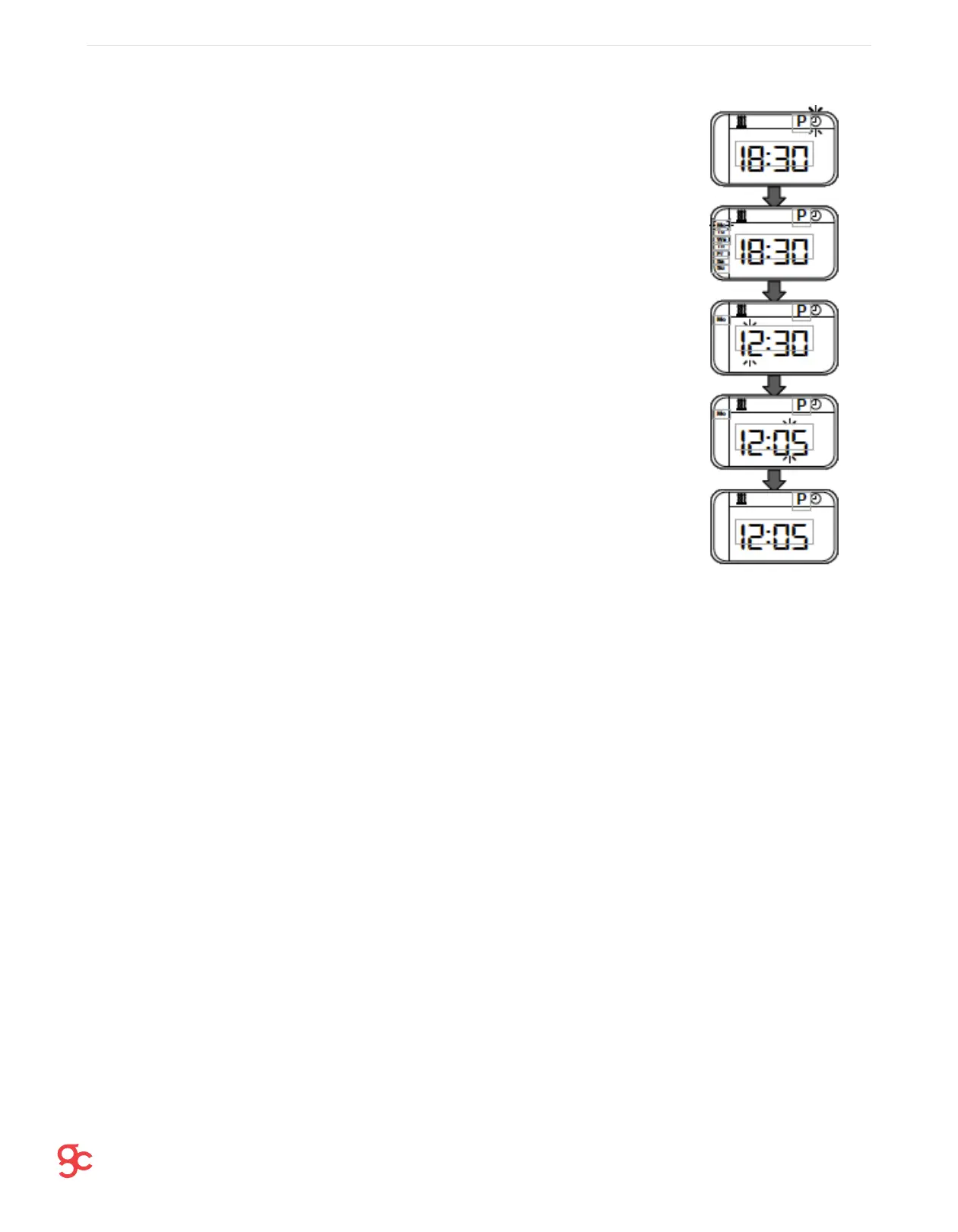
1. Navigate to the ‘P’ symbol, and press OK.
2. Using the arrow keys select the number 1 (flashing) at the top of the
screen, and press OK – Number 1 is the first heating time.
3. Using the arrow keys, select ‘ON’, as this will allow the heater to
switch on after the presetting is finished. Press OK to confirm.
4. Select the length of time you want the heater to run for by using the
arrow keys.
5. L800 represents 800 minutes. Run time can be selected from 50-990. Press
OK to confirm.
6. Select the hour you wish the heater to start at by using the arrow keys
and then pressing OK to confirm.
MAINTENANCE
Once the heater is installed, it should ideally be turned on a few times to remove any air trapped
in the fuel lines. Also ensure there is no leaks from the lines and that all electric terminals fit
securely together.
INSPECTION CHECKLIST
• Check the air inlet and outlet for any pollution or
• foreign matters
• Clean the externals of the heater
• Check for corrosion or loose connections of the
• circuits
• Check the combustion air inlet and exhaust pipe for
• damage and clogs
• Check the fuel line for leaks


 To Next Page