LED & button functionality
LED Activity Description
Power Green
Flashing
Red
Power is on and boot completed
DRG488 is booting
Hardware error
Uplink Green
Yellow
1000M WAN link established*
100/10M WAN link established*
LAN Green
Yellow
1000M link*
100/10M link*
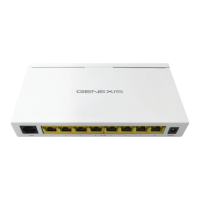
1. DRG488 overview
*blink on activity
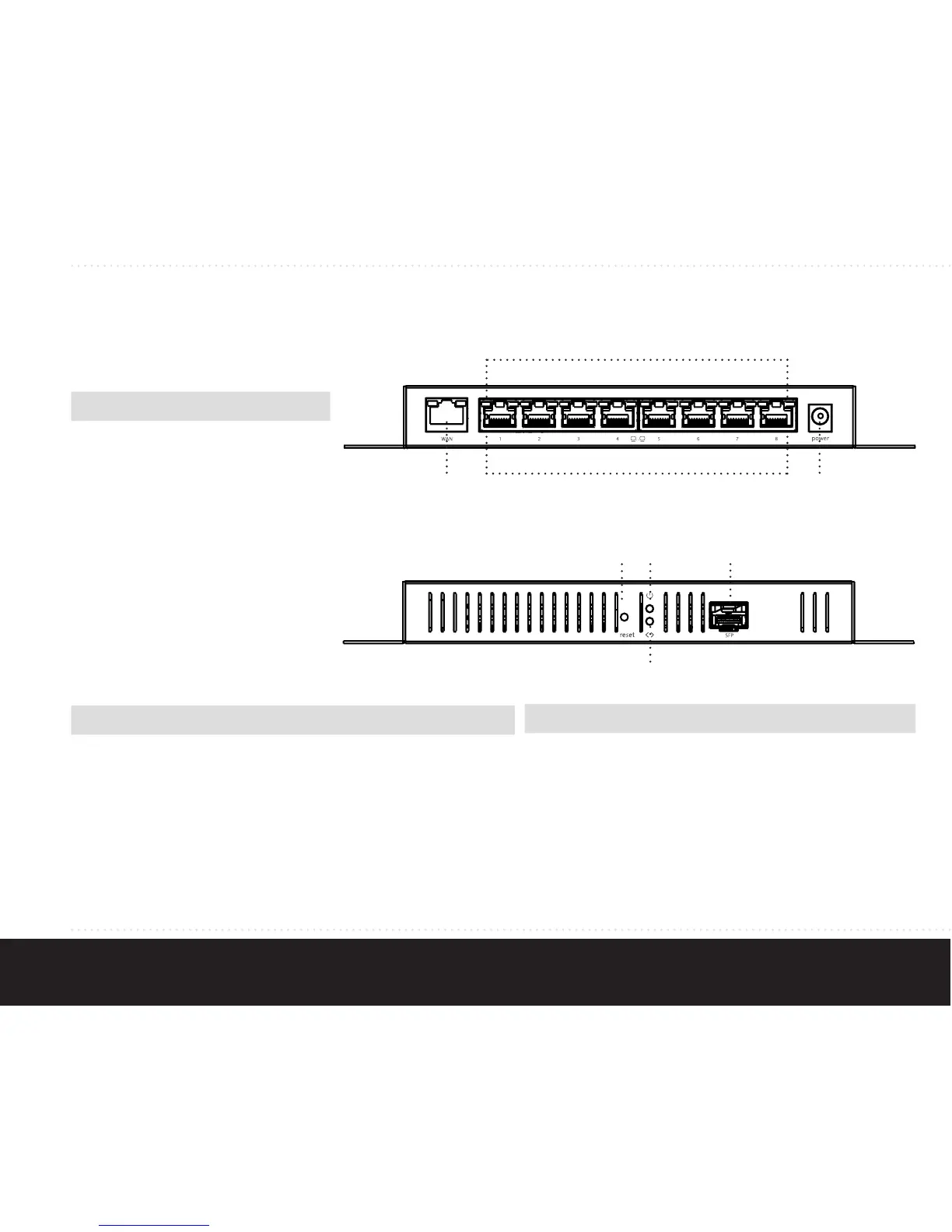
User interfaces
Interface Description
1 WAN port
2 Ethernet LAN ports
3 Power connector
4 SFP port
5 LAN LEDs
6 Power LED
7 Uplink LED
8 Reset pinhole
Reset Button Description
Reboot
Factory
default
Press reset button for less than
5 seconds and release to initiate
reset.
Press and hold reset button for
more than 5 seconds (when LEDs
will blink) and release to initiate
a factory reset. All configuration
data will be lost!
2
1 2
5
3
468
7


 To Next Page