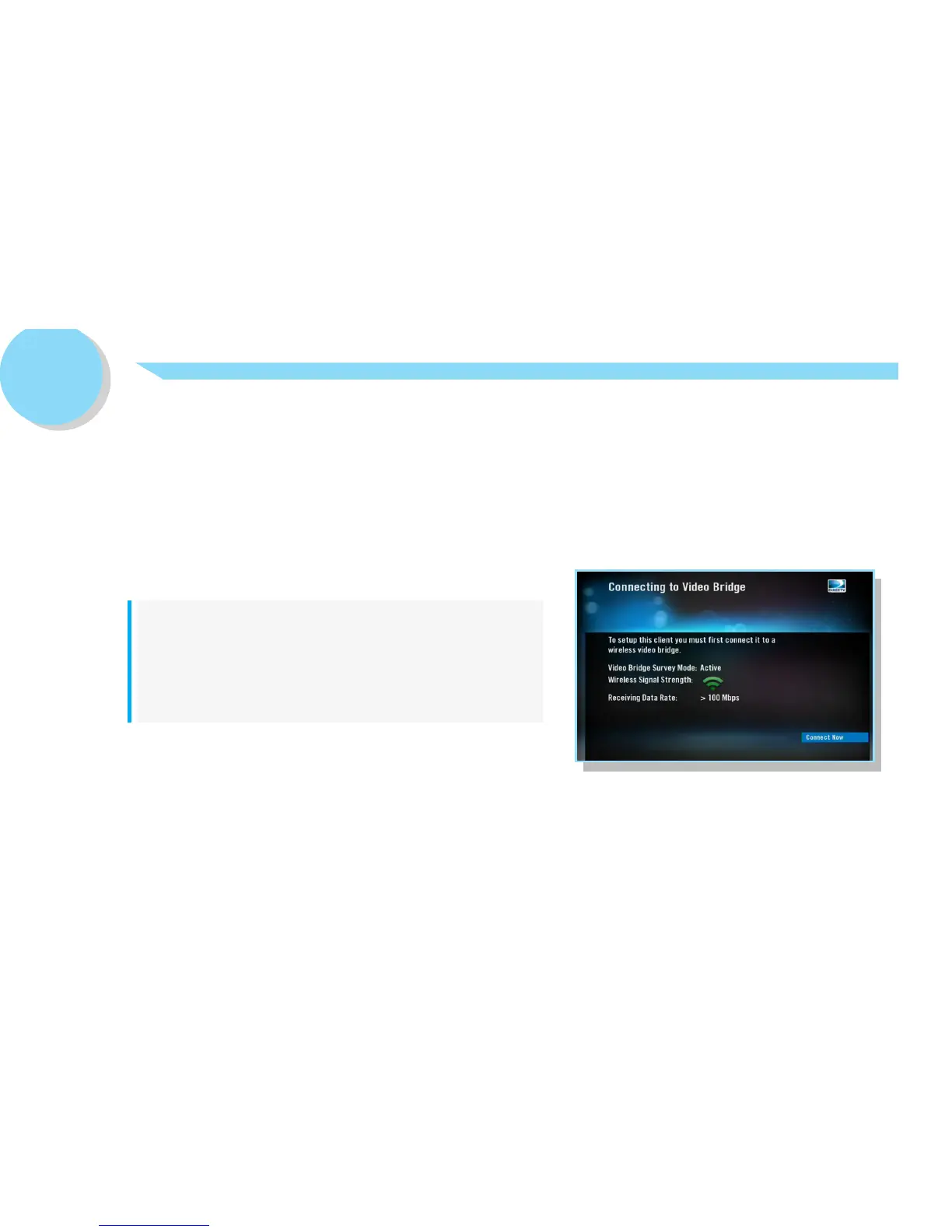
If the Wireless Signal Strength icon on the
Connecting to Video Bridge screen and/or the LED
on the WGM displays RED, please go to directv.com/
wirelessgeniemini for troubleshooting help.
Or, call DIRECTV Customer Care at 1-800-531-5000.
Step 2. Verify Wireless Signal Strength.
Once you turn on your WGM, the Connecting to Video Bridge screen will display:
• Confirm that the Wireless Signal Strength icon displays three (3) GREEN bars.
• Confirm that the LED light on the front of the WGM is GREEN.
:: NOTE
2



 To Next Page