4
STB
1
2
3
4 5 6
BWC IWC
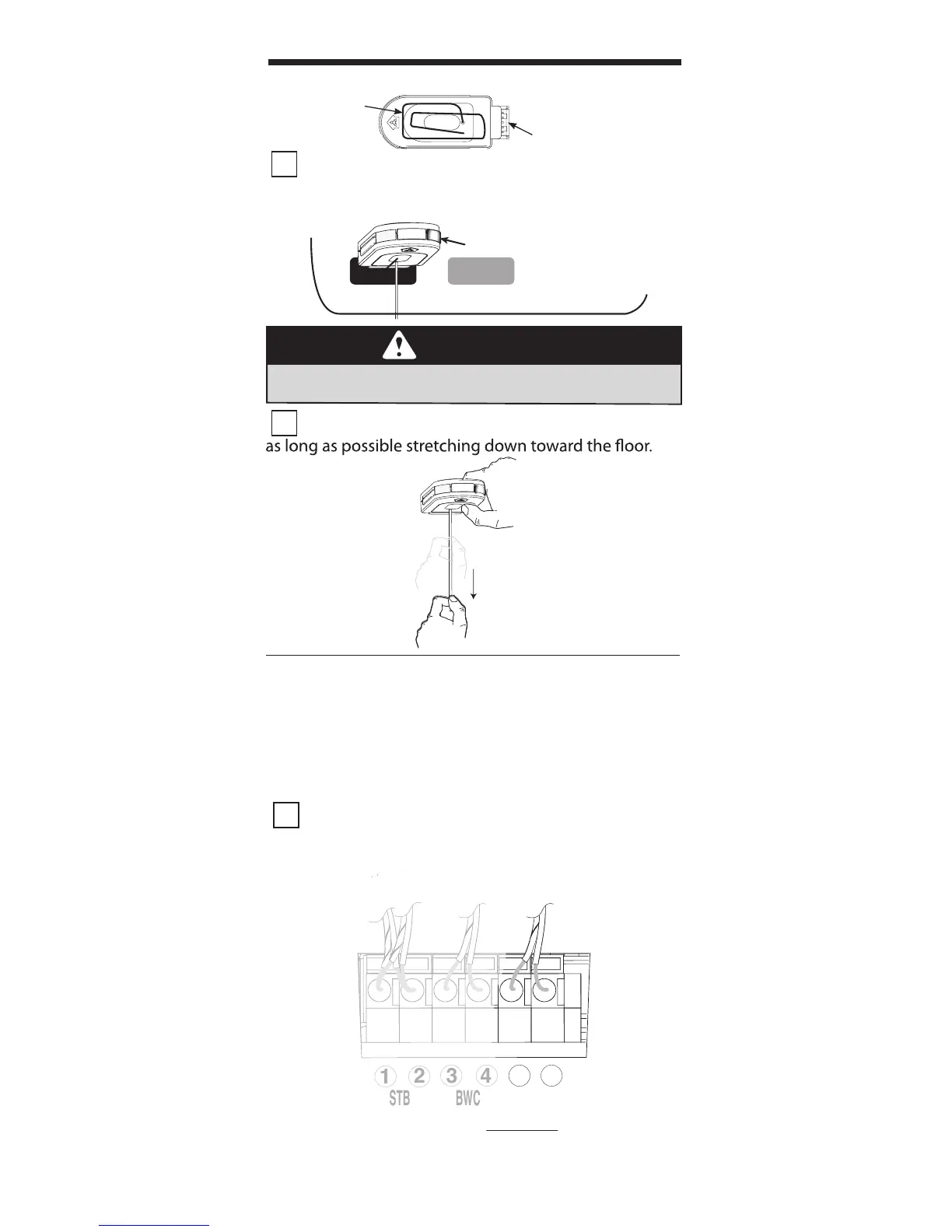
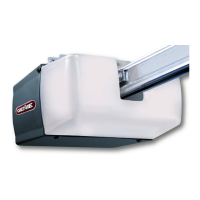
1 Remove the Network Adapter from its packaging
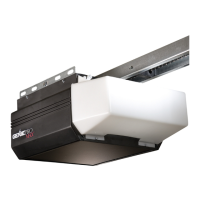
and insert it into the “NETWORK” port on the powerhead
of your opener with the antenna wire facing down.
2 Straighten the antenna wire if needed so that it is
CONNECTION
PINS
ANTENNA
WIRE
THE NETWORK ADAPTER
The Intelligent Wall Console receives its power
through an opener powerhead (powered from only
one opener for a group of up to three).
1 Using standard 2 conductor “bell wire,” Attach
one end to the desired powerhead at terminals 5 & 6,
as shown.
NOTE: The IWC can be used in place of the basic wall
console.
TERMINALS LOCATED INSIDE LIGHT LENS
Safe-T-Beam®
Standard
Wall Console
INTELLIGENT
WALL CONSOLE
THE INTELLIGENT WALL CONSOLE
NETWORK BBU
GREEN LIGHT
SHOULD TURN ON
INSTALLATION (if needed)
• Are power wires p
roperly connected to terminals
5 & 6 on powerhead?
WARNING
Do NOT place fi ngers, pliers, screw driver or any
other device into the powerhead.



 To Next Page