EasyManua.ls Logo

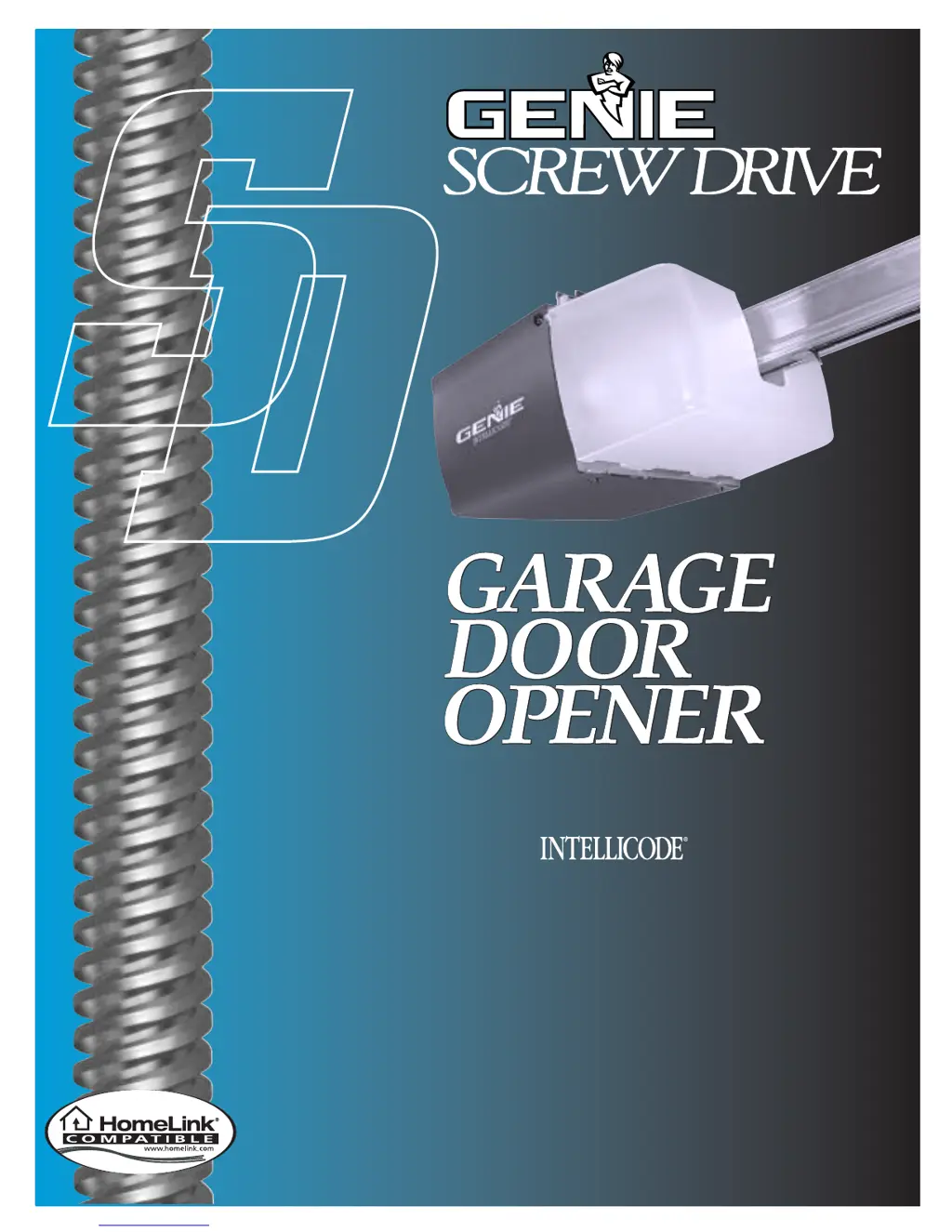
Genie Screw Drive - User Manual

Genie Screw Drive
35 pages
Print Icon
To Next Page IconTo Next Page
Loading...
3511035556
¤
Included Wall Control MUST be installed prior to operation of this Garage
Door Operator
Safe-T-Beam
®
Safety Reverse System Must be installed to close door
SAVE THIS MANUAL FOR FUTURE REFERENCE
NOTE: Your Residential Operator comes with a Rail Assembly
which is standard for up to a 7 foot 6 inch high door. An extension
kit for an 8 foot high door is available.
®
For Answers and Assistance:
1.800.354.3643
or visit www.geniecompany.com
Series
IS, ISL, IC, H
Includes Remote Control
and SERIES II Electronics

Other manuals for Genie Screw Drive

Questions and Answers

  • A
    Angela VasquezAug 17, 2025
    Why does my Genie Garage Door Opener work from the wall control but not the remote control?
    • V
      Victoria MillerAug 18, 2025
      If your Genie Garage Door Opener operates from the wall control but not from the remote, try programming the remote control code into the receiver memory. If one remote works but another doesn't, examine the battery, remote control type (Series II), and frequency of the non-working unit.
  • C
    Christopher GuerreroAug 20, 2025
    Why does my Genie Screw Drive Garage Door Opener door only run closed?
    • C
      Cassandra AdamsAug 20, 2025
      If your Genie Garage Door Opener only runs closed, check the OPEN limit switch for shorts and proper wiring. Also, check the force adjustment and look for a broken door spring.
  • E
    Edward SotoAug 22, 2025
    Why does my Genie Screw Drive Garage Door Opener door only run open?
    • L
      Lisa AndersonAug 22, 2025
      If your Genie Garage Door Opener only runs open, check the Safe-T-Beam System. Also, check the CLOSE limit switch for shorts and proper wiring and check the force adjustment.
  • S
    Sean HarmonAug 25, 2025
    How to extend the remote control range of my Genie Garage Door Opener?
    • J
      Jordan BishopAug 26, 2025
      If your Genie Garage Door Opener remote control has less than 25 feet of operating range, try relocating the remote control inside your car and pointing it at the door. You may also need to replace the battery. Do not attempt to retune the remote controls.
  • G
    gregory12Aug 27, 2025
    What to do if my Genie Screw Drive Garage Door Opener door starts down, then stops before it’s closed?
    • E
      Erica BriggsAug 27, 2025
      If your Genie Garage Door Opener's door starts going down but then stops before it fully closes, examine the CLOSE limit switch setting and also check for any shorted wires.
  • R
    Rebekah WeaverAug 30, 2025
    How to fix Genie Screw Drive Garage Door Opener that starts up, but stops before it’s completely open?
    • Y
      Yolanda SheppardAug 30, 2025
      If your Genie Garage Door Opener starts to open but stops before it's fully open, ensure the door is in good repair, properly lubricated, and balanced. Also, check the OPEN limit switch setting and force adjustment. A broken door spring could also be the cause.
  • M
    Mr. Joshua IbarraSep 1, 2025
    What to do if Genie Screw Drive Garage Door Opener door starts down, then stops and goes back up?
    • L
      Lance TaylorSep 1, 2025
      If your Genie Garage Door Opener door starts down, then stops and goes back up, check the force adjustment and the contact reverse. Also, inspect for any light beam obstruction or misalignment of the Safe-T-Beam. Finally, check the STB self-diagnostic code.
  • S
    smithwendySep 4, 2025
    How to fix noisy Genie Screw Drive Garage Door Opener?
    • B
      brookekingSep 4, 2025
      If your Genie Garage Door Opener is making excessive noise, make sure all fasteners are tight. Also, ensure the door is in good repair, properly lubricated, and balanced.
  • J
    James BatesSep 6, 2025
    What to do if my Genie Garage Door Opener door starts for no reason?
    • M
      Michael NielsenSep 6, 2025
      If your Genie Garage Door Opener starts for no reason, check the staples on the wire from the power head to the wall control. If they cut into the insulation, they can short the wires. Replace the wire if it's cut. Also, if a remote control was lost or stolen, erase all remote control codes from the receiver memory and reprogram them. Check the operation of the wall control buttons, as they might be sticking.
  • S
    Sherry McknightSep 9, 2025
    How to troubleshoot Genie Garage Door Opener that does not run from wall control?
    • M
      Monica Robinson MDSep 9, 2025
      If your Genie Garage Door Opener's operator does not run from the wall control, check the lock switch on the wall console. Check the power source by plugging a lamp into the outlet used for the power head. If the lamp works, the power source is OK. If not, check the fuse or circuit breaker. If the power is OK, check the connections at the power head terminals and at the wall control. The motor protector may be open; wait about 20 minutes for it to reset.

Summary

PRE-INSTALLATION CHECK LIST

SAFETY FEATURES

Reversing & Safety Systems

Safe-T-Beam, Safe-T-Reverse, Safe-T-Stop for door safety.

IMPORTANT INSTALLATION INSTRUCTIONS

General Installation Guidelines

Read, check balance, remove locks, mount control.

Power & Safety Checks

Power connection timing and door reversal test.

SECT 1-MAIN ASSEMBLY

SECT 2-INSTALLATION

Header Bracket Mounting

Determine location and mount header bracket.

Power Head and Rail Alignment

Attach rail to bracket and mount power head to ceiling.

SECT 3-SAFE-T-BEAM INSTALLATION

STB System Mounting & Wiring

Install brackets, modules, and route wiring.

SECT 4-WALL CONTROL INSTALLATION

SECT 6-CONNECTING POWER

SECT 7-SETTINGS (FORCE & LIMITS)

Setting Door Travel Limits

Adjust limit switches for full open and close positions.

SETTINGS (CONTACT REVERSE)

Contact Reverse Test

Verify door reverses on contact.

SECT 8-BATTERY & VISOR CLIP

SECT 9-PROGRAMMING REMOTE CONTROLS

IMPORTANT SAFETY INSTRUCTIONS

General Safety Practices

Read instructions, child safety, door operation rules.

SECT 10-MAINTENANCE & TROUBLESHOOTING

Genie Screw Drive Specifications

General IconGeneral
Drive TypeScrew Drive
Horsepower1/2 HP
Voltage120V
Remote ControlIncluded
Safety FeaturesInfrared Sensors
Smart Home CompatibilityCompatible with Genie Aladdin Connect
Lifting Speed7 inches per second
Maximum Door Height7 ft
SecurityRolling Code Technology
Battery BackupOptional

Related product manuals