English
-16-
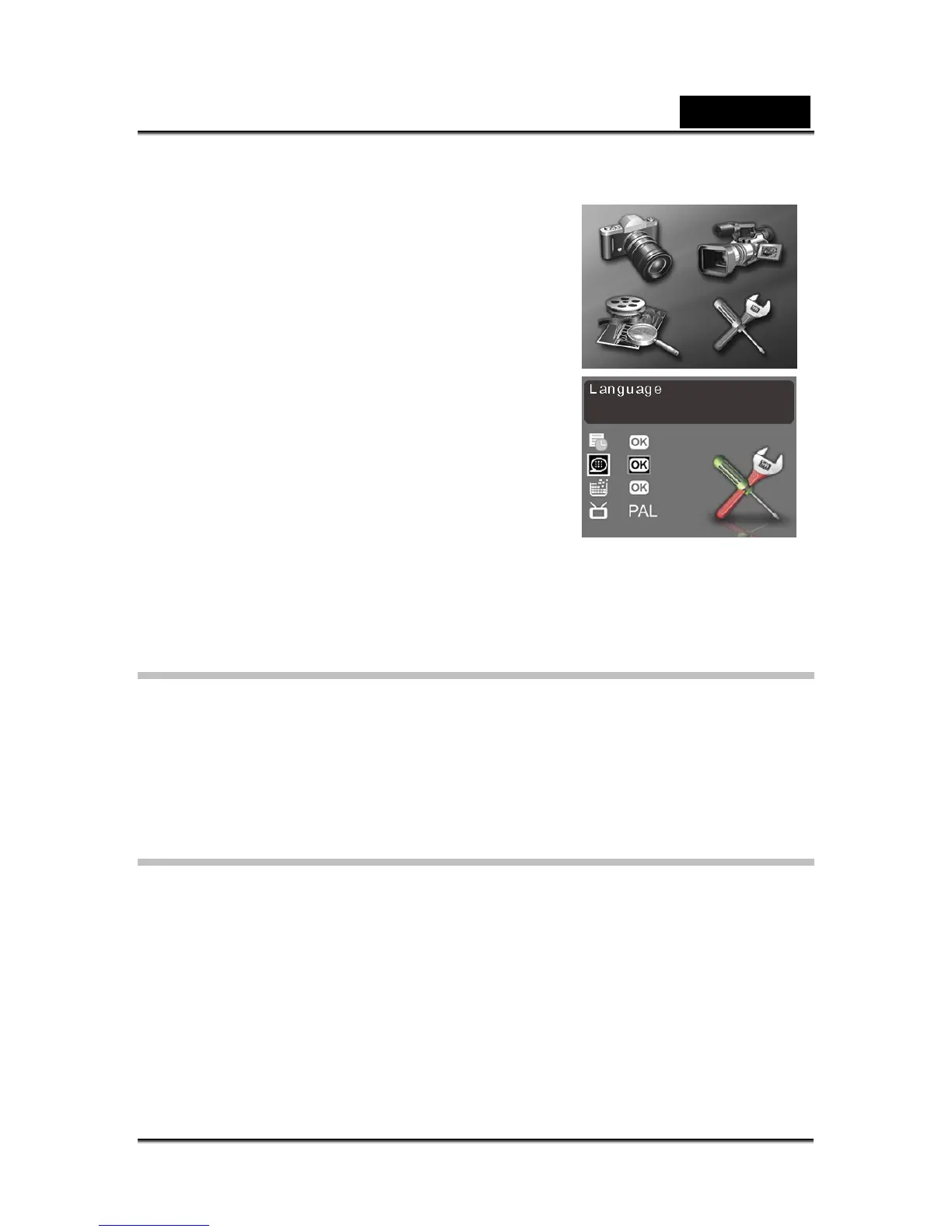
Setting the language
To set the language:
1. Turn the camera on as described in “Turning on
for the first time”.
2. Press and hold the MENU button to display the
main menu screen.
3. Use the Previous or Next buttons to select the
setup menu. Press OK/Set button to confirm
your selection.
4. Use the Previous or Next buttons to highlight the
Language option. Press OK/Set button to
confirm.
5. Use the Previous or Next buttons to select the
desired language.
6. Press OK/Set button to save the new setting, or press MENU to exit the menu
without making any changes.
Taking your first still picture
Before taking your first still picture, make sure you read “Before you start”.
To take a picture:
1. Turn the camera on and make sure it is in photo mode.
2. Use the LCD to frame the picture.
3. Press the shutter button to capture the picture.
The picture is automatically saved with a unique filename.
Shooting your first video
Before shooting your first video, ensure you have read “Before you start”.
To shoot a video:
1. Turn on the camera and change the mode to video mode.
2. Use the LCD to frame your video.
3. Press the shutter button to begin recording.
4. Press the shutter button again to stop recording.
The video is automatically saved with a unique file name.



 To Next Page