English
-26-
Playback mode
Use Playback mode to review all the pictures and videos stored in your camera.
Playback mode icons
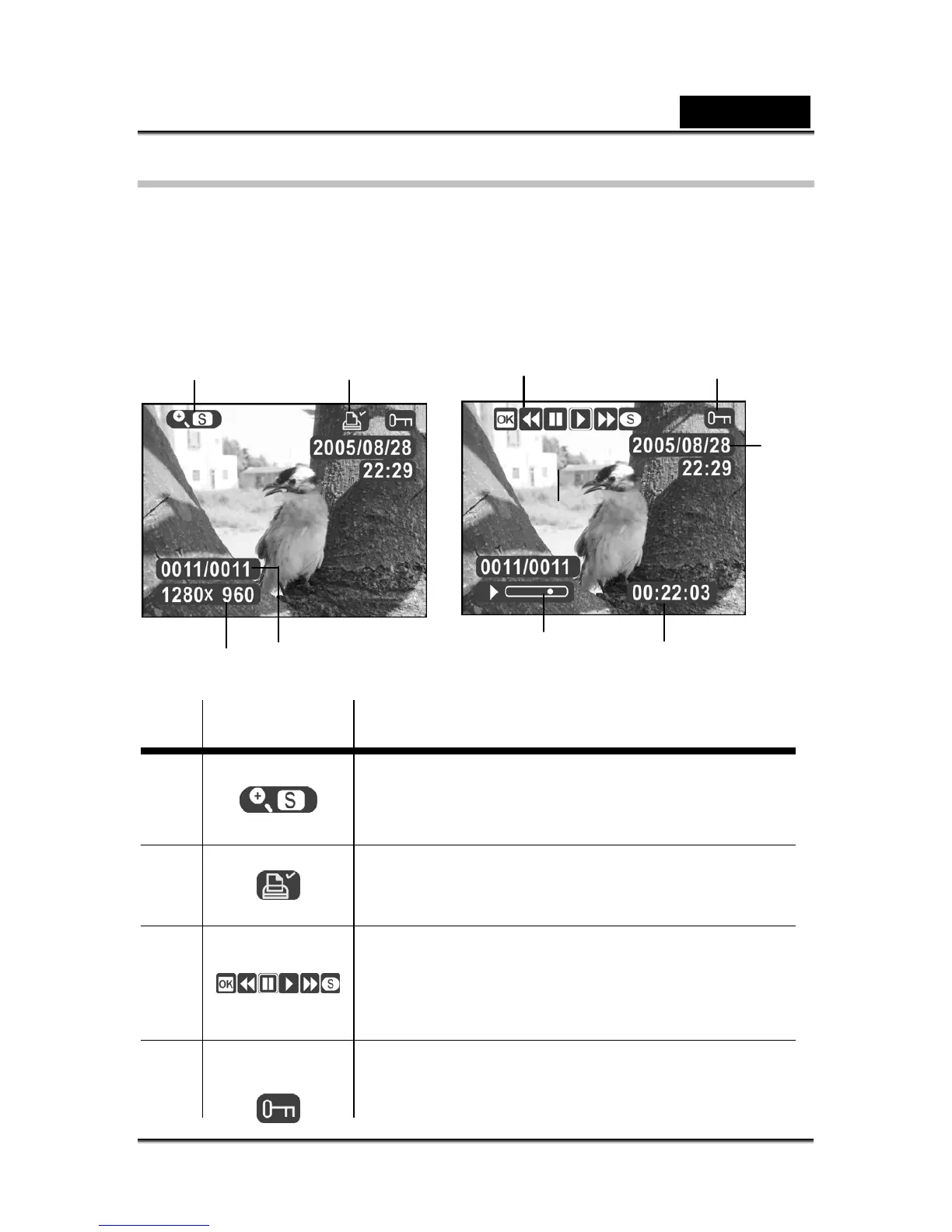
Refer to the following picture to familiarize yourself with the Playback mode icons and
symbols.
See the table below for a description of each icon and symbol.
Icon Description
1
Indicates that the displayed image can be zoomed
and moved. Press the shutter button to enable
zooming and moving.
2
Indicates the current picture is tagged for printing.
See section “Print” for more details.
3
The playback bar indicates whether current video is
paused, playing, being fast-forwarded, or rewound.
Press the Shutter button and OK/Set button to
operate the playback bar.
4
Indicates the current file is protected from deletion.



 To Next Page