English
-20-
Photo mode
Use Photo mode to capture still pictures and store them in internal memory or on an
SD card. The camera is in Photo mode when the Photo mode icon is displayed.
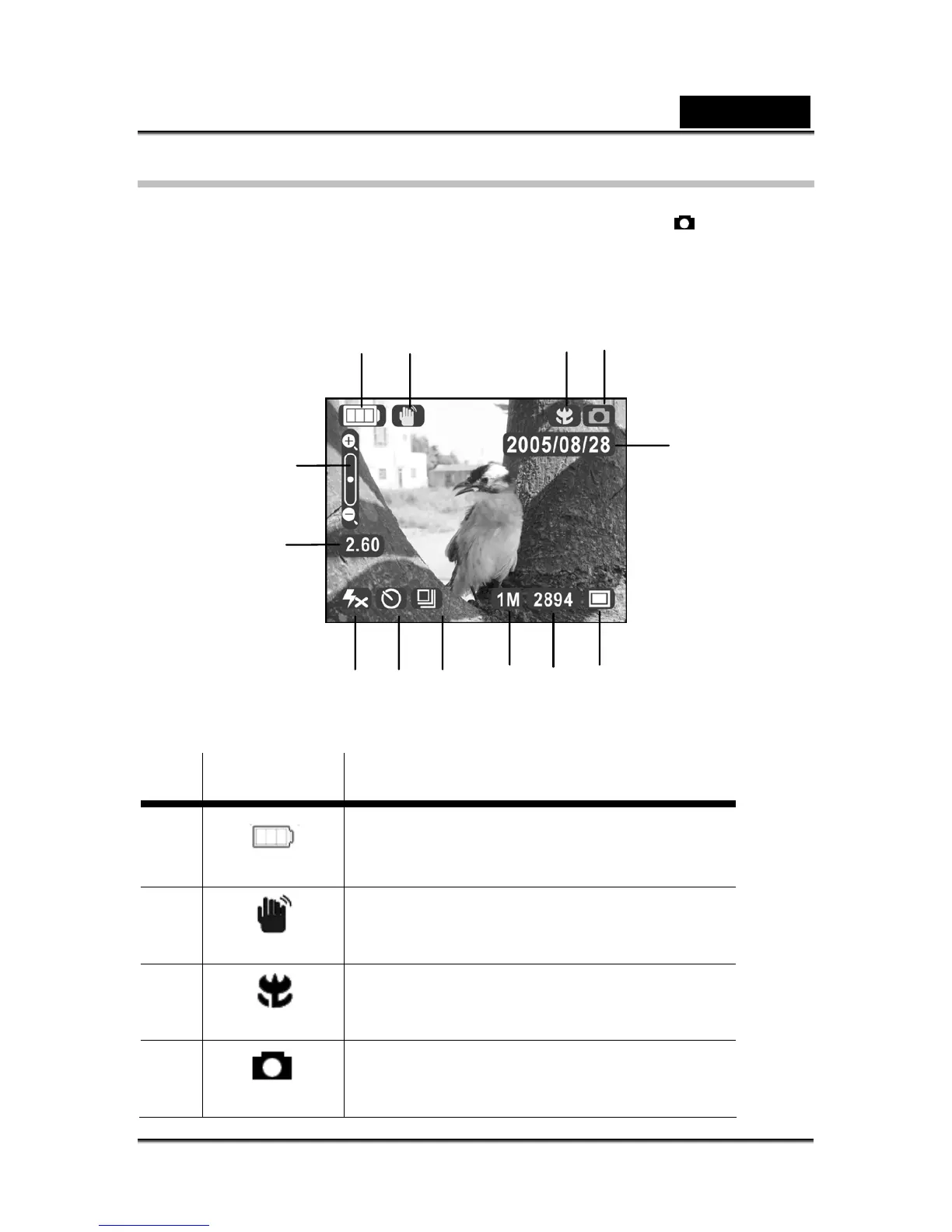
Photo mode icons
Use the following picture to familiarize yourself with the Photo mode icons and
symbols.
See the following table for a description of each icon and symbol.
Icon Description
1
Indicates battery status.
2
Indicates stabilization of hand shaking.
3
Indicates macro mode.
4
Indicates Photo mode.
1
2
3 4
5
6
8
9
10 11
12
13
7



 To Next Page