English
-24-
3. " " message will pop up on the LCD Monitor, please connect the USB cable to the camera
and PC to complete the configuration.
※ Once you save the settings, the camera will keep these menu settings until you change
them again.
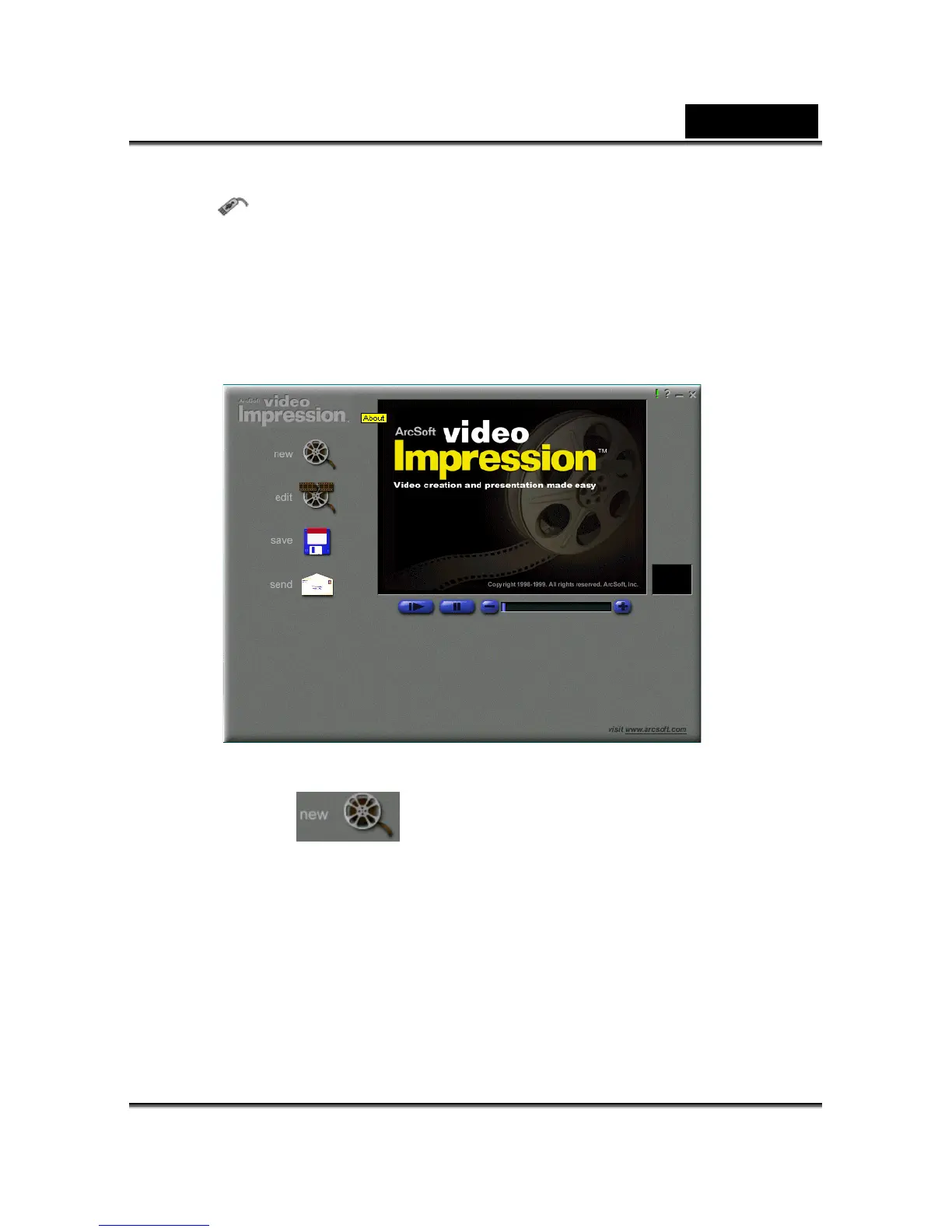
Turn your PC on if it isn’t already on. Click the Start button in the Windows Taskbar, and
select Programs > ArcSoft VideoImpression > VideoImpression. The following
VideoImpression main screen will appear.
Click the New button
and the following Album screen will appear.



 To Next Page