English
-28-
and click the InstallMgr.exe file in the root directory.
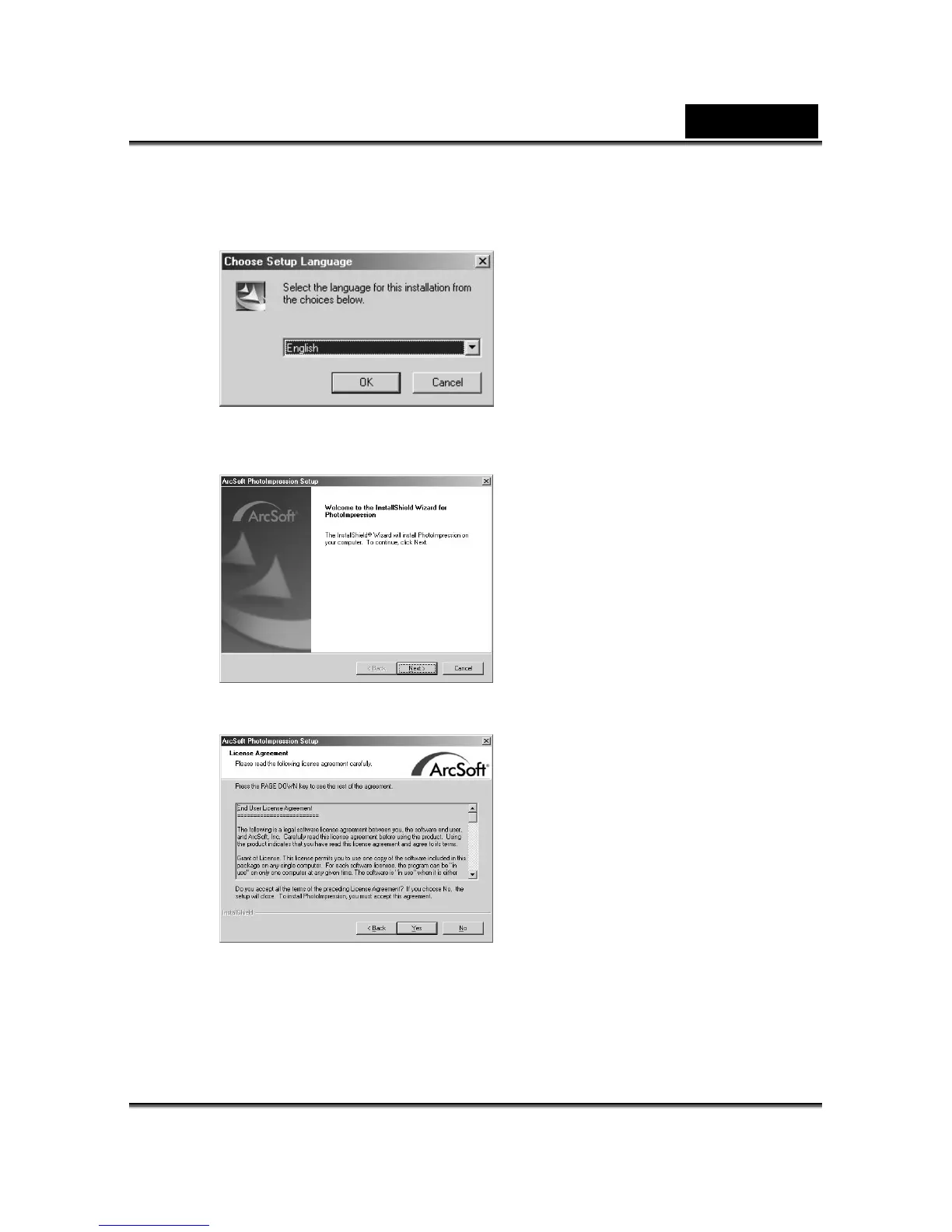
3. Click the Arcsoft PhotoImpression to install, and this screen will appear:
4. Select the language for installation. Click OK to confirm your selection.
5. You will see the Welcome screen. Click Next to continue.
6. Enter Software License Agreement window.
Please click Yes to continue the installation.
7. Please follow the instructions of installation Wizard to select a destination folder
and the components you need.



 To Next Page