English
-9-
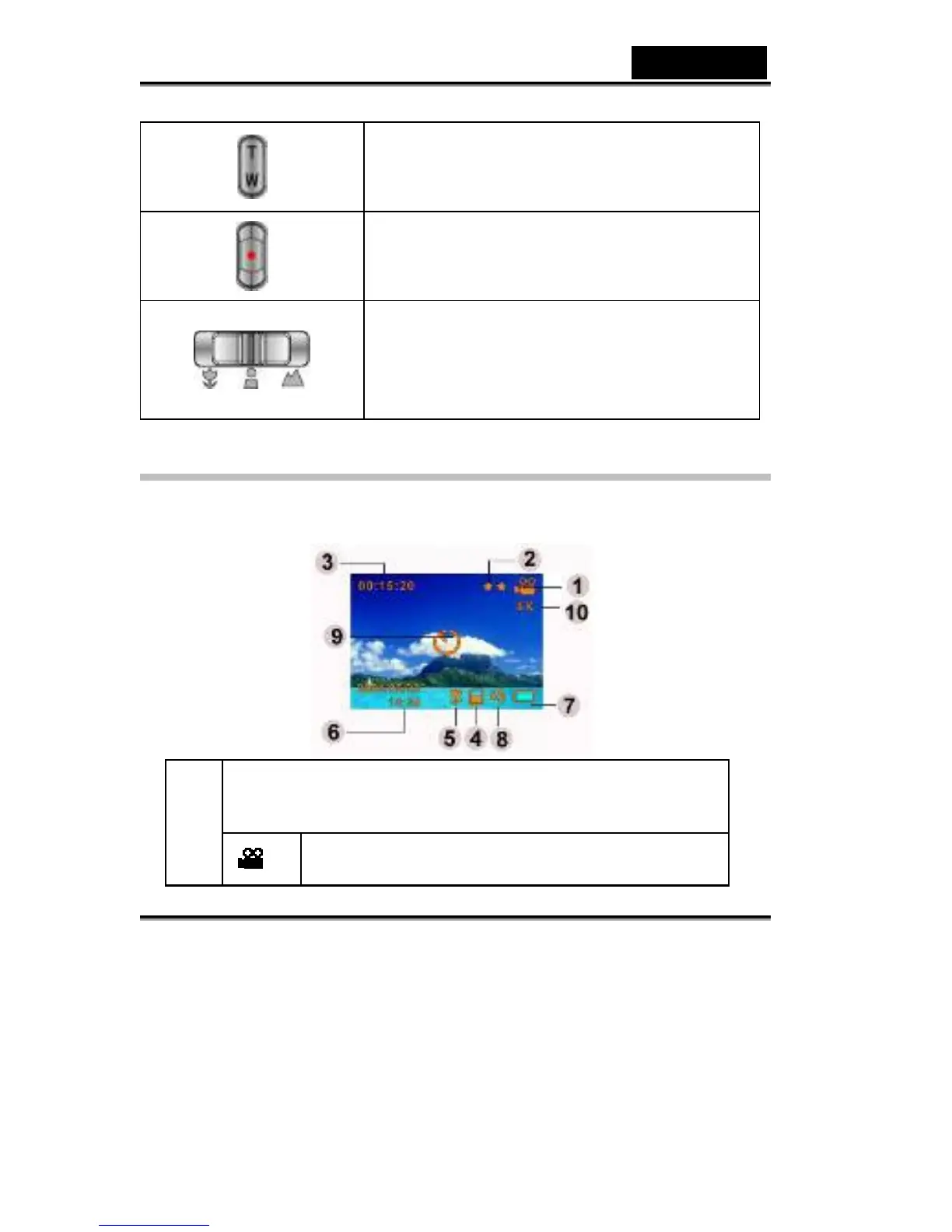
Tele-Wide button: Digital Zoom in and out.
Shutter button: Start to take a movie, picture, or
record voice.
Macro switch: Switch between Macro Mode,
Portrait Mode, and Normal Mode.
LCD Monitor Information
The indicators below may display on LCD when movies and pictures are
recorded:
Record Mode
(1)



 To Next Page