English
-21-
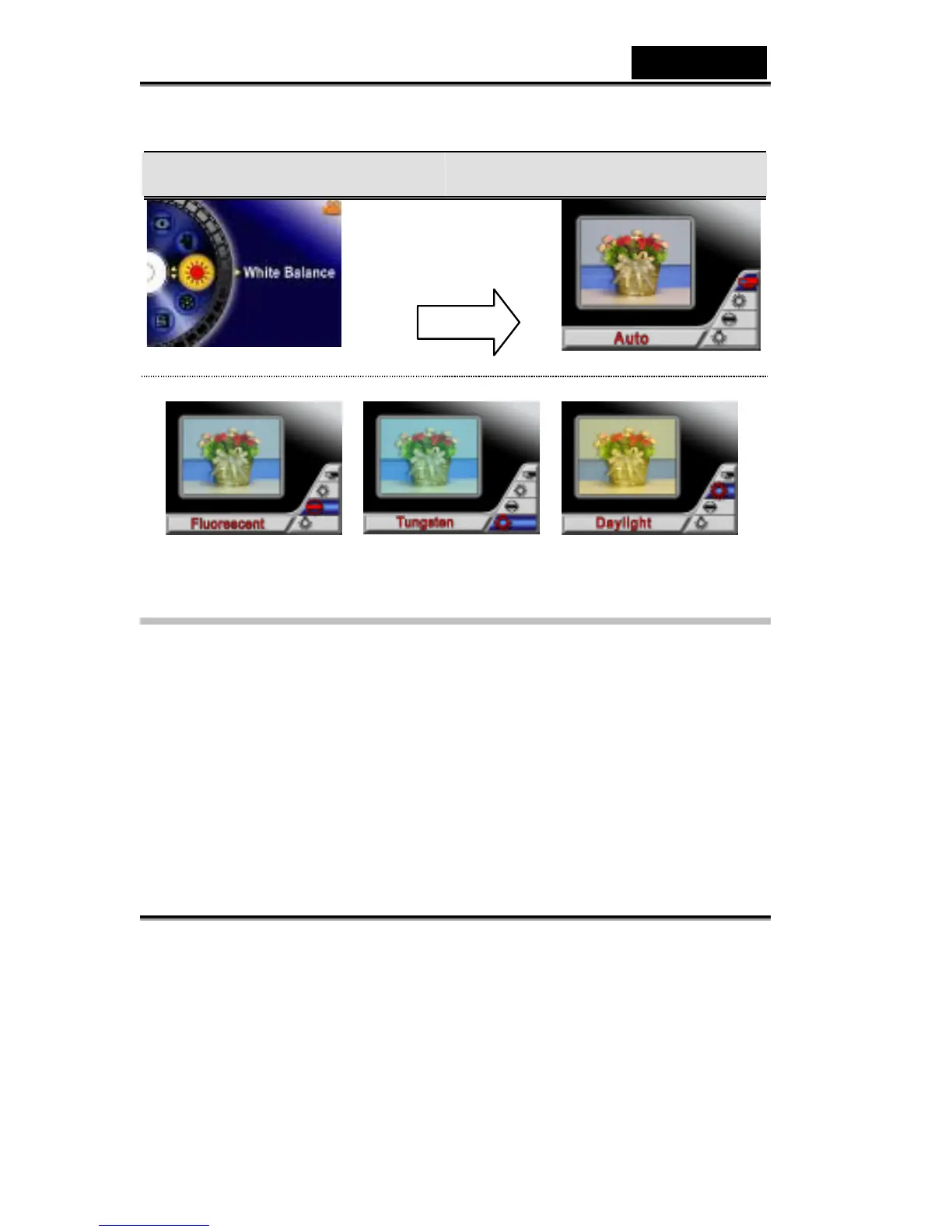
4. Press the Enter button to validate the setting and exit.
Display Screen W/B Option
Exposure
The Digital Video Digital Video Camera adjusts image exposure automatically. In
certain circumstances you may wish to adjust the exposure compensation setting.
To change Exposure setting:
1. In Movie/Picture Record Mode, press the Enter button to switch to menu screen.
2. Use the Up/Down buttons to select Exposure, then the press Enter/Right
buttons to switch to Exposure submenu.
3. Use the Up/Down buttons to move between nine levels. The change can be
previewed immediately.
Enter Button



 To Next Page