English
-5-
Section 2
Getting Up and Running
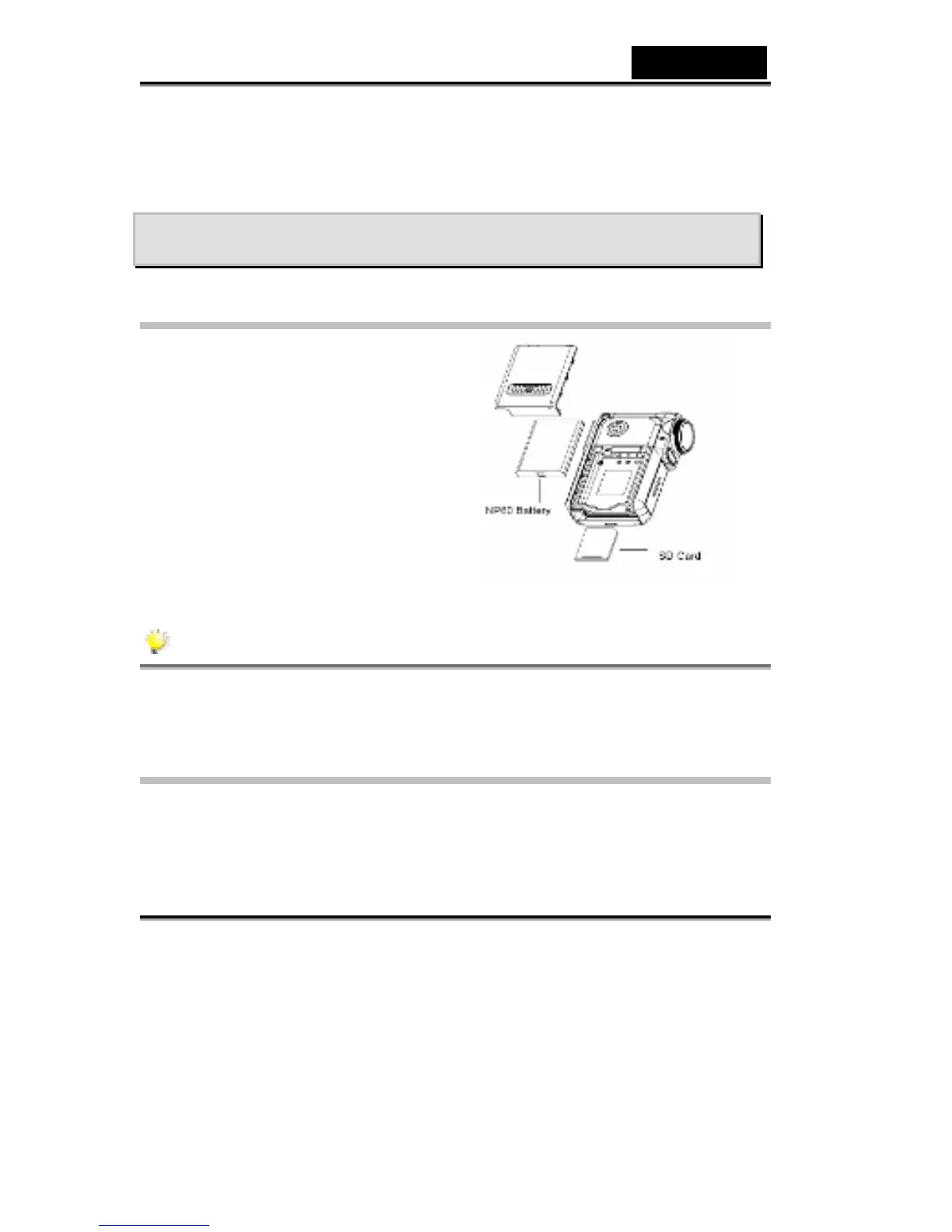
Loading the Battery
Before using the Digital Video Camera,
you must load a NP60 rechargeable
Li-ion battery.
1. Follow the arrow direction and slide
to eject the battery / SD cover.
2. Face the battery up with letter side
upward. Follow the battery injection
direction according to the correct
polarity marks ( + or -) and plug the
battery into Digital Video Camera.
3. Close the battery/SD Card Cover
firmly.
NOTE
NP60 is the widely-used rechargeable Li-ion battery developed by Nokia for
mobile phone.
Charging Battery
Please fully charge the Li-ion Battery via power adaptor for up to ten hours before
you use the Digital Video Camera for the first time.
(1) Plug the power adaptor cable into USB port.



 To Next Page