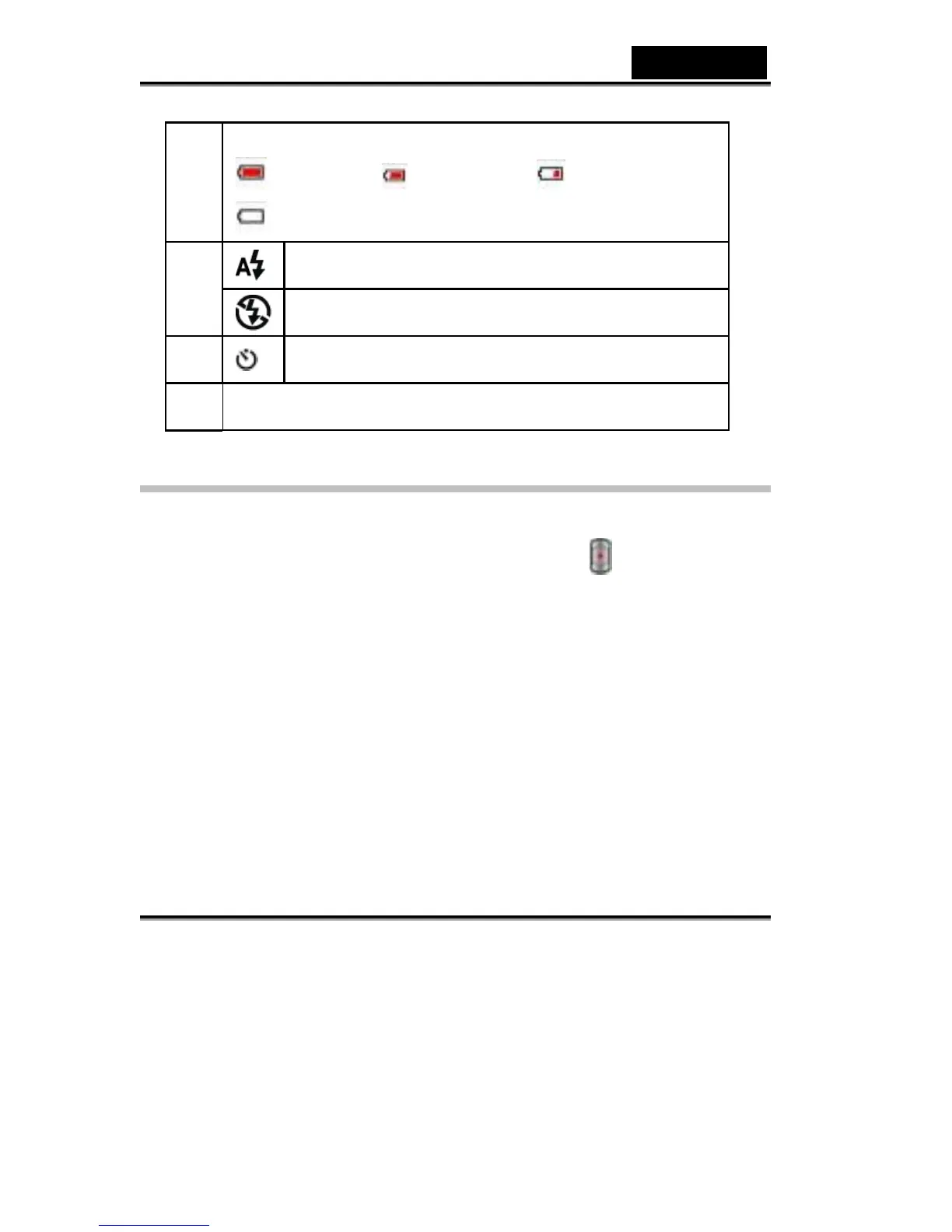
8X digital zoom
MPEG-4 Movie Recording
The Digital Video Camera is turned on in default mode of movie recording. You can
start recording a movie just by pressing the shutter button (
). When a movie is
recording, a time indicator will display on LCD monitor. To stop recording, press
the shutter button again.
To view stored movies, press the REC/PLAY button once to switch to Playback
Mode.
The table below shows the approximate number of video recording that you can
take at each setting based on 16MB internal memory (4MB available for image
storage) or using an optional memory card from 32MB to 512MB SD.



 To Next Page