English
-13-
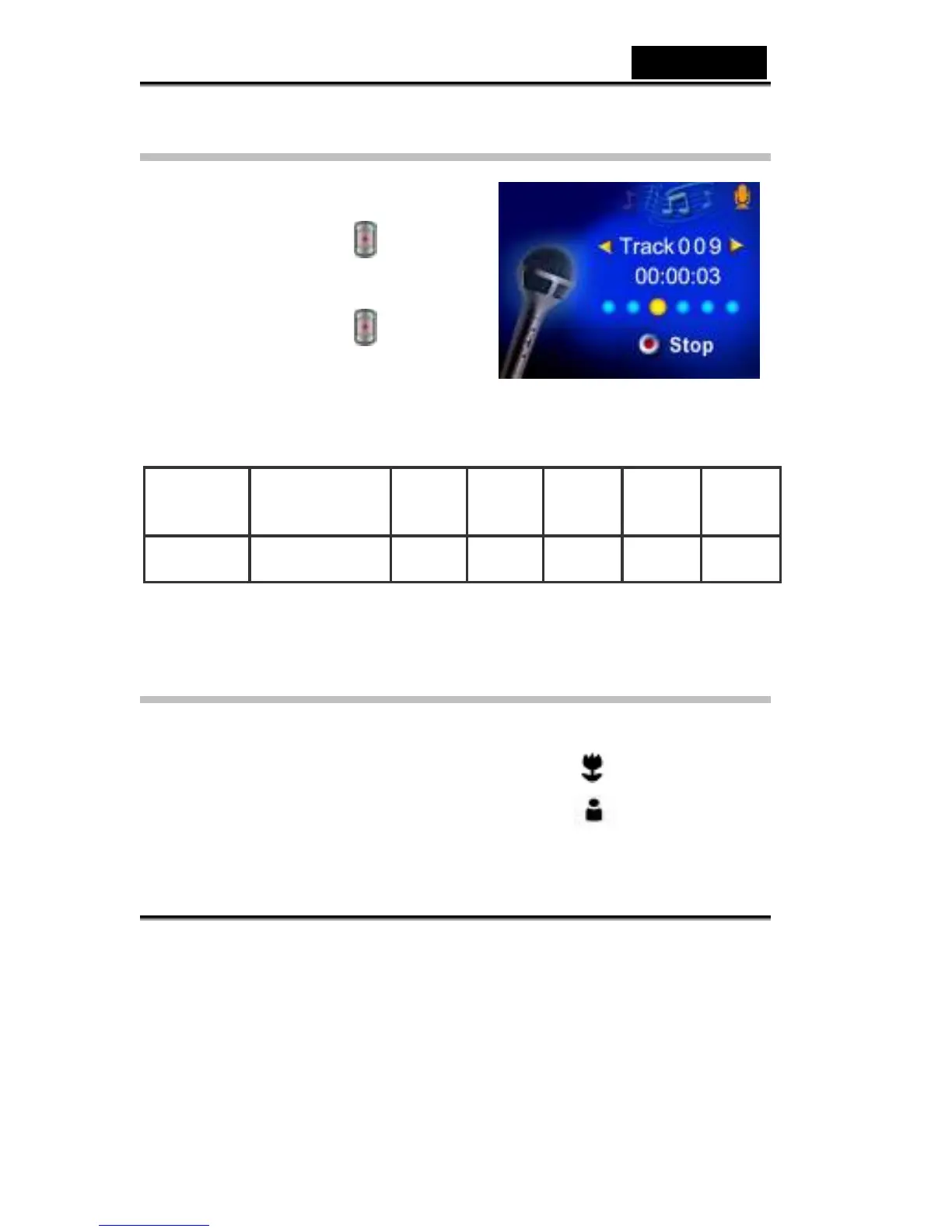
Voice Recording
1. Press the MODE button to switch to Voice
Record Mode.
2. Press the shutter button (
) to record
voice.
3. Press the shutter button (
) again to stop.
The table below shows the approximate number of voice recording that you can
take at each setting based on 16MB internal memory or using an optional memory
card from 32MB to 512MB SD.
Mode
16 MB internal
memory
32MB
SD
Card
64MB
SD
Card
128MB
SD
Card
Voice
Recording
30 min. 1 hr 2 hrs 4 hrs 8 hrs 16 hrs
* The above data shows the standard testing results. The actual capacity varies
according to the shooting conditions and settings.
Taking Close up Pictures
The Digital Video Digital Video Camera has two close-up picture modes to allow
you to take pictures at close range. The Macro Mode (
) should be used for
objects located at about 20 cm., while the Portrait Mode (
) should be used for
objects located from 60 cm to 100 cm.



 To Next Page