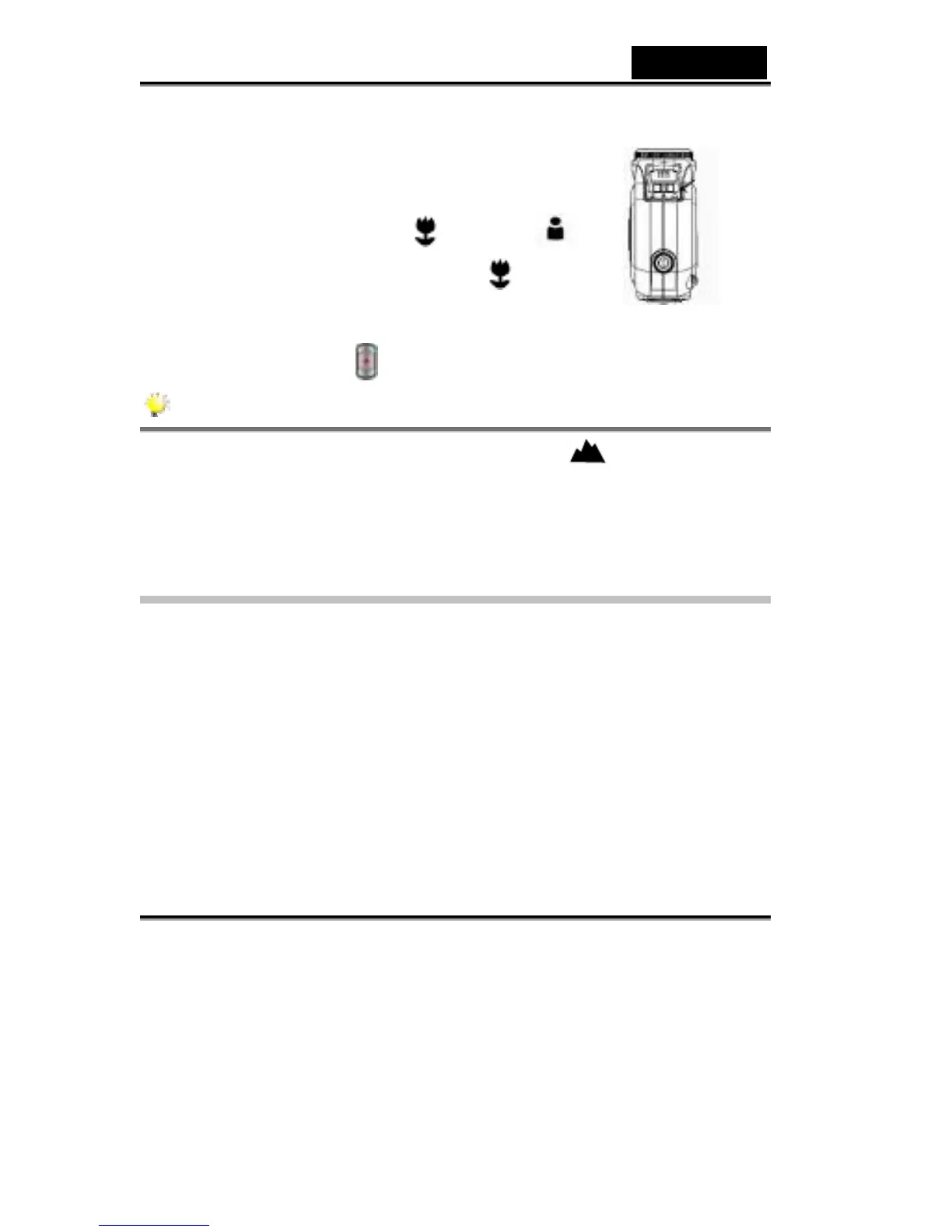
To take close-up pictures:
1. Press the MODE button to switch to Picture Record
Mode.
2. Shift the macro switch to Macro (
) or Portrait ( )
positions. In Macro Mode, the macro icon (
) will
appear on the LCD monitor.
3. Press the shutter button
to take the picture.
NOTE
Remember to turn the macro switch back to Normal ( ) when you are not
taking close-up pictures.
Using Digital Zoom
The digital zoom magnifies images up to eight times when recording movies or
taking pictures.
1. To zoom in/out, press the Tele/Wide button.
2. The digital zoom can be set from 1x to 8x and the magnification ratio is shown
on the LCD monitor.



 To Next Page