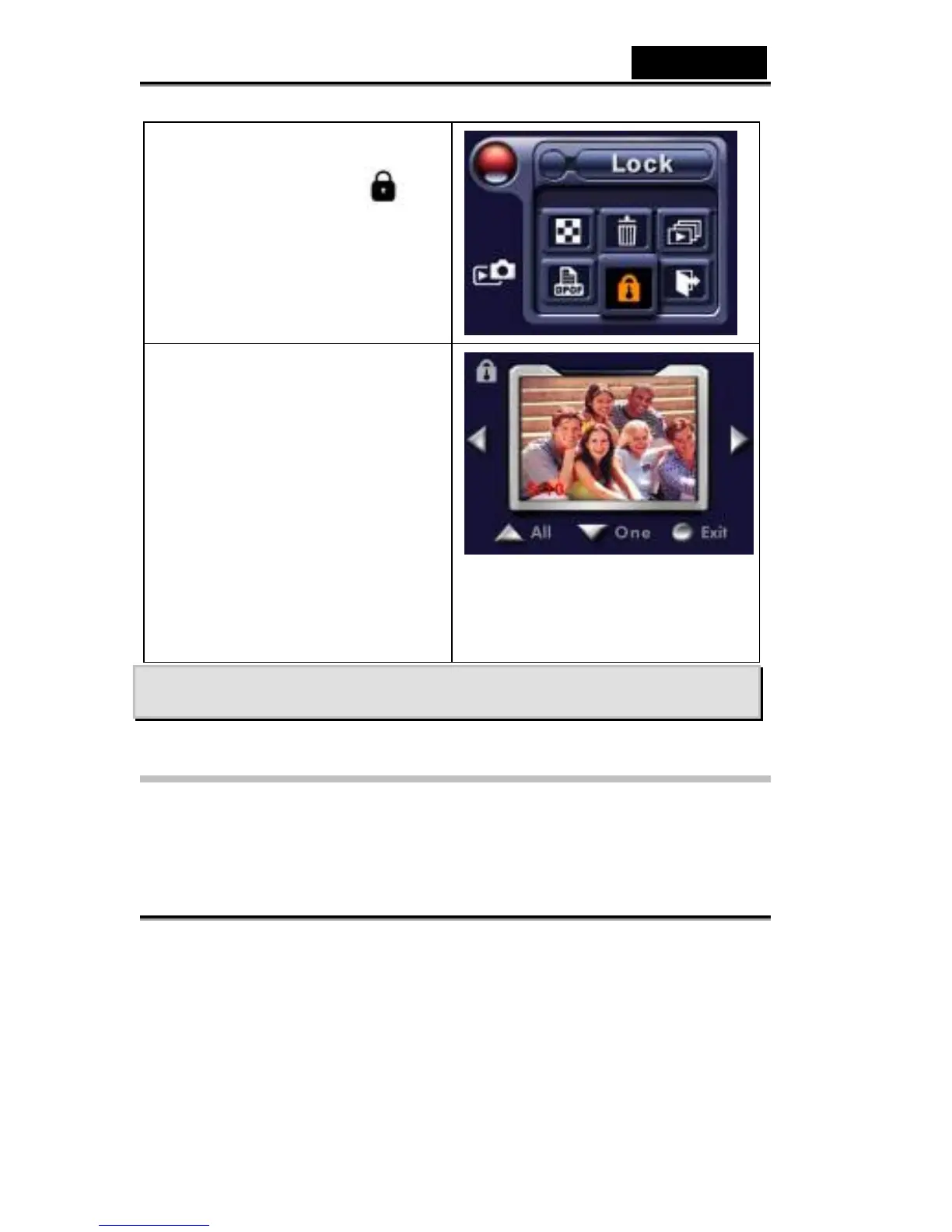
2. Press the Enter button to go to
the Lock menu.
3. Use the Right/Left buttons to
select the picture.
4. Use the Up button to lock/unlock
all pictures and Down button to
lock/unlock single picture.
5. Before a picture is
locked/unlocked, a confirmation
screen will appear; choosing
“Yes” will execute the operation,
“No” will cancel the operation.
6. Press the Enter button to exit.



 To Next Page