ENGLISH
7
3. Tablet
3.1 Re-define Express keys:
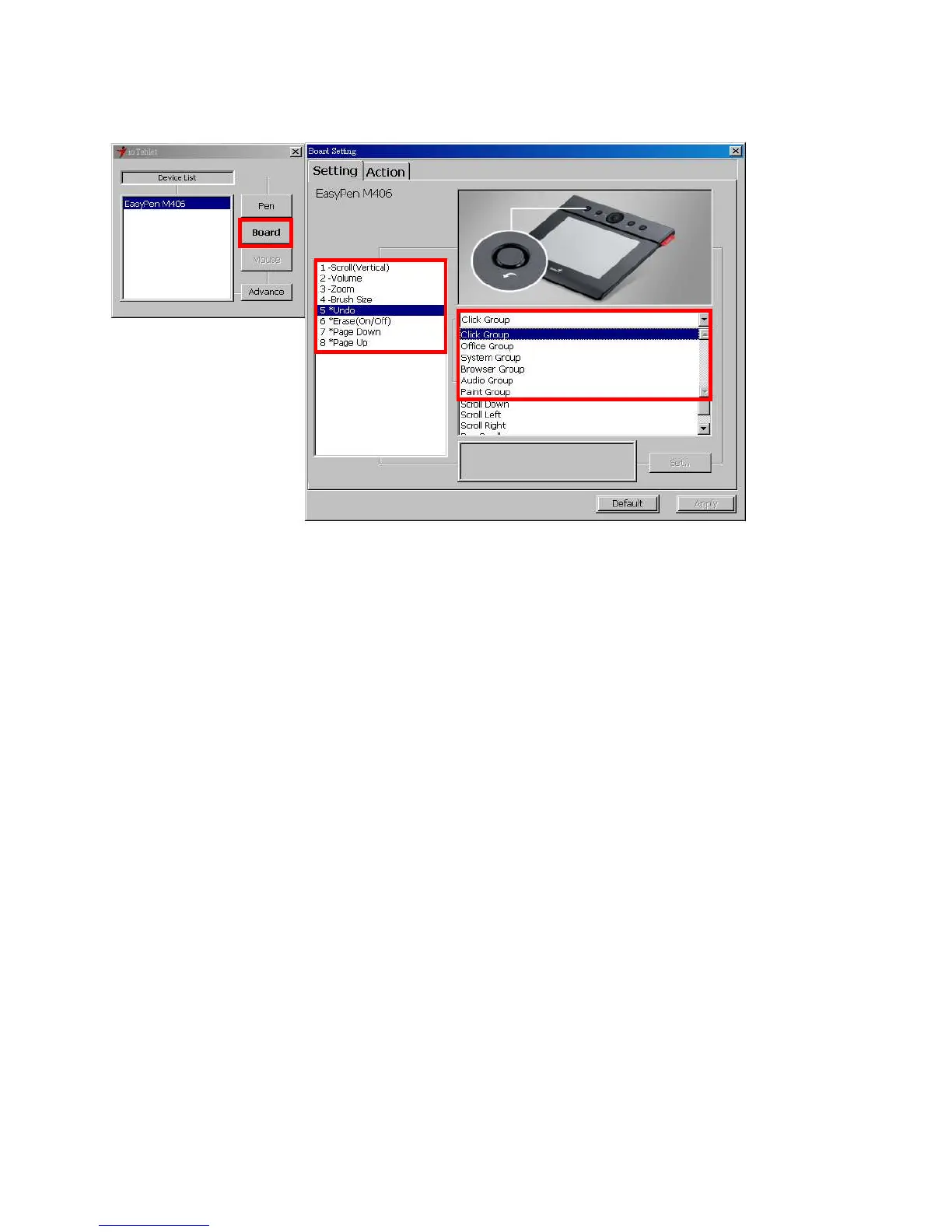
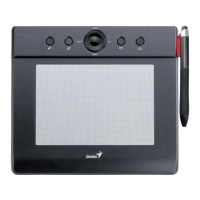
All the available express keys are shown on the left side of the menu. Click on any of them to find out
the icon and location. You may re-program any express key from the drop down menu below the
tablet picture.
3.2 For Rolling Pad Definition:
The LED indicator shows the current function on the rolling pad. You may choose a different function
group for the rolling pad. The available groups are:
Scroll Group: Zoom, Brush size, layer switch, etc.
3.3 For Tablet express keys definition:
You may choose any:
Click Group: Click, Scroll, Lock, etc.
Office Group: Copy, Save, Undo, etc.
System Group: My Computer, My pictures, Media Player, etc.
Browser Group: Back, Forward, Refresh, etc.
Audio Group: Play, Stop, Mute, etc.
Simply chose the function you require and press “Apply” to activate it.
3.4 Default
Return the Express Keys to the default settings.


 To Next Page