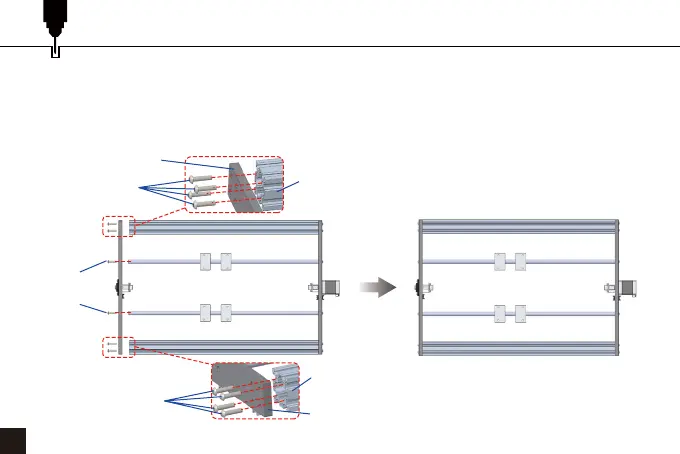
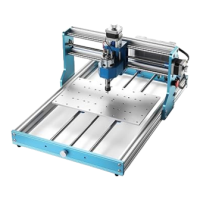
STEP 10: Install the Front Bar
38
1. Insert the screws through the round holes of the front bar, and align them with the screw holes of the
new aluminum profiles, then screw them into the threaded holes and tighten them.
2. Insert the screws through the round holes of the front bar, and align them with the screw holes of the
new polished rods, then screw them into the threaded holes and tighten them.
New Aluminum Profile
New Aluminum Profile
Rear Bar
(4) Front Bar
Fixing Screw
(2) Front Bar
Fixing Screw
Rear Bar
(4) Front Bar
Fixing Screw


 To Next Page