29
English
This mode is also called automatic because the unit automati-
cally updates the boat’s position on the screen.
Cursor mode (manual)
When in Cursor mode, the manual cursor is displayed. It is
possible to insert, delete and move waypoints, insert and delete
markers, display navaid information, etc., but it is not possible
to gain access to the depth sounder window.
To switch from Navigation mode to Cursor mode, use the
joystick. To go back to Navigation mode, press the EXIT key.
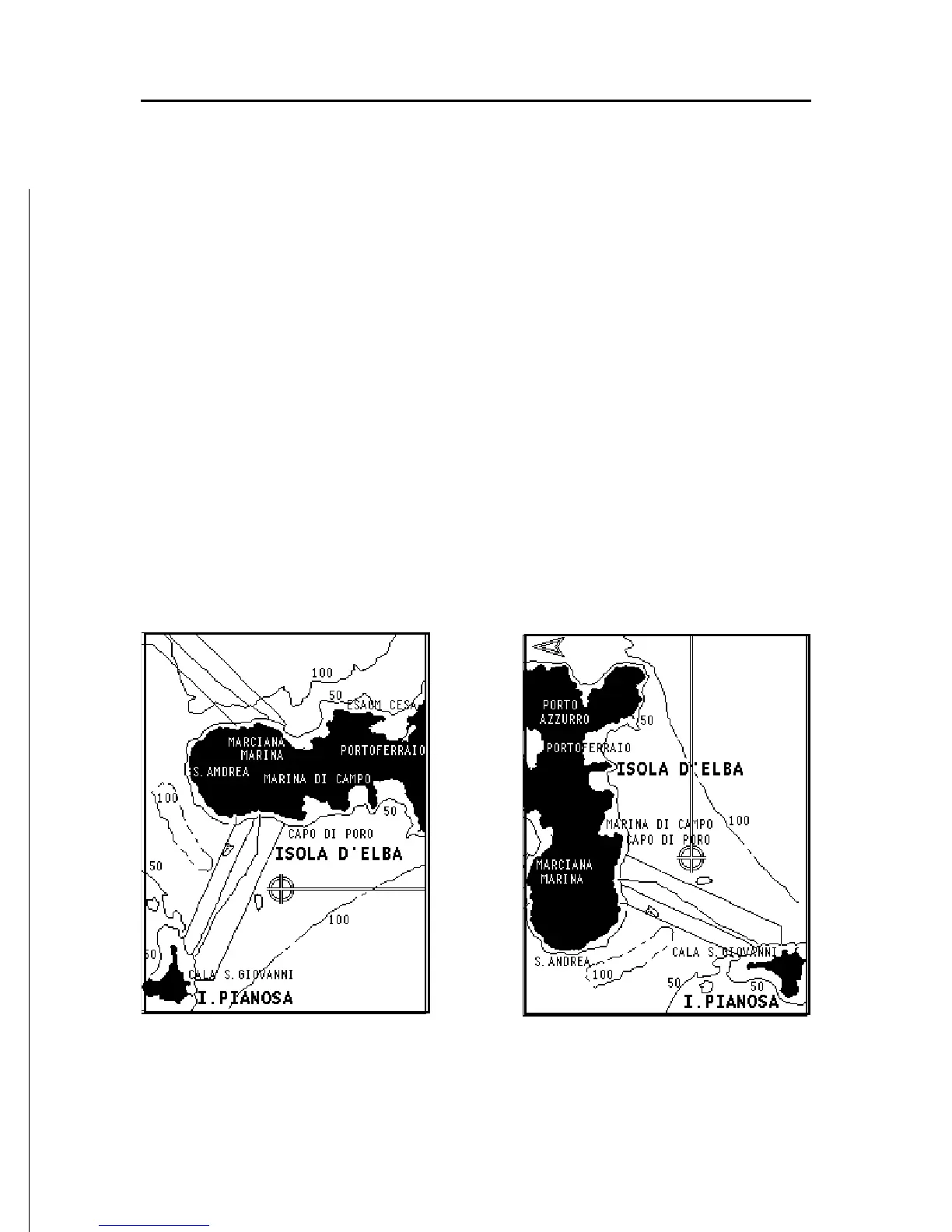
Chart rotation
Charts are traditionally displayed in north-up mode. This,
however, does not correspond to reality. For example, when
traveling southwards, the chart shows, on the right side of
the boat, what is actually located on the left side, and vice
versa.
The Chart Rotation function allows rotating the electronic chart
displayed according to the plotted route (COG - Course Over
Without Chart Rotation
With Chart Rotation



 To Next Page