15
English
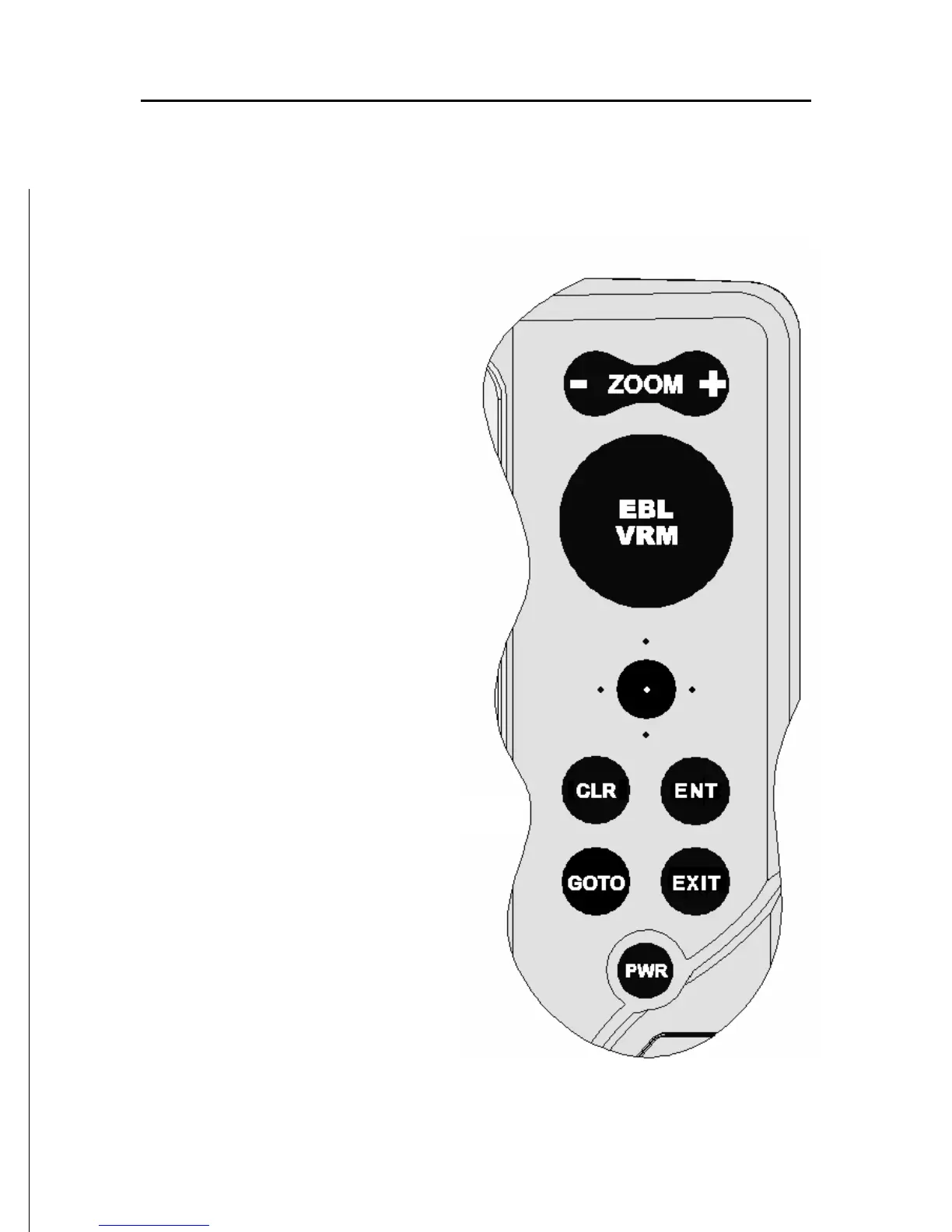
KEYBOARD
ZOOM-/ZOOM+
• Increases/decreases
the chart scale
• Enables/disables the
Autozoom function
JOYSTICK (right/left - up/down)
• Moves the cursor across
the screen
• Switches from Naviga-
tion mode to Cursor
mode
• Selects the options from
menus and submenus
If pressed:
• Displays the chart object
attributes
ENT (ENTER):
Cursor mode:
• Inserts a waypoint at
the cursor’s position
• Inserts a marker at the
cursor’s position (if held
pressed)
Navigation mode:
• Changes the target
waypoint
• Inserts a marker at the
ship’s position (if held
pressed longer)
Keyboard



 To Next Page