60
English
GENERAL INFO WINDOW
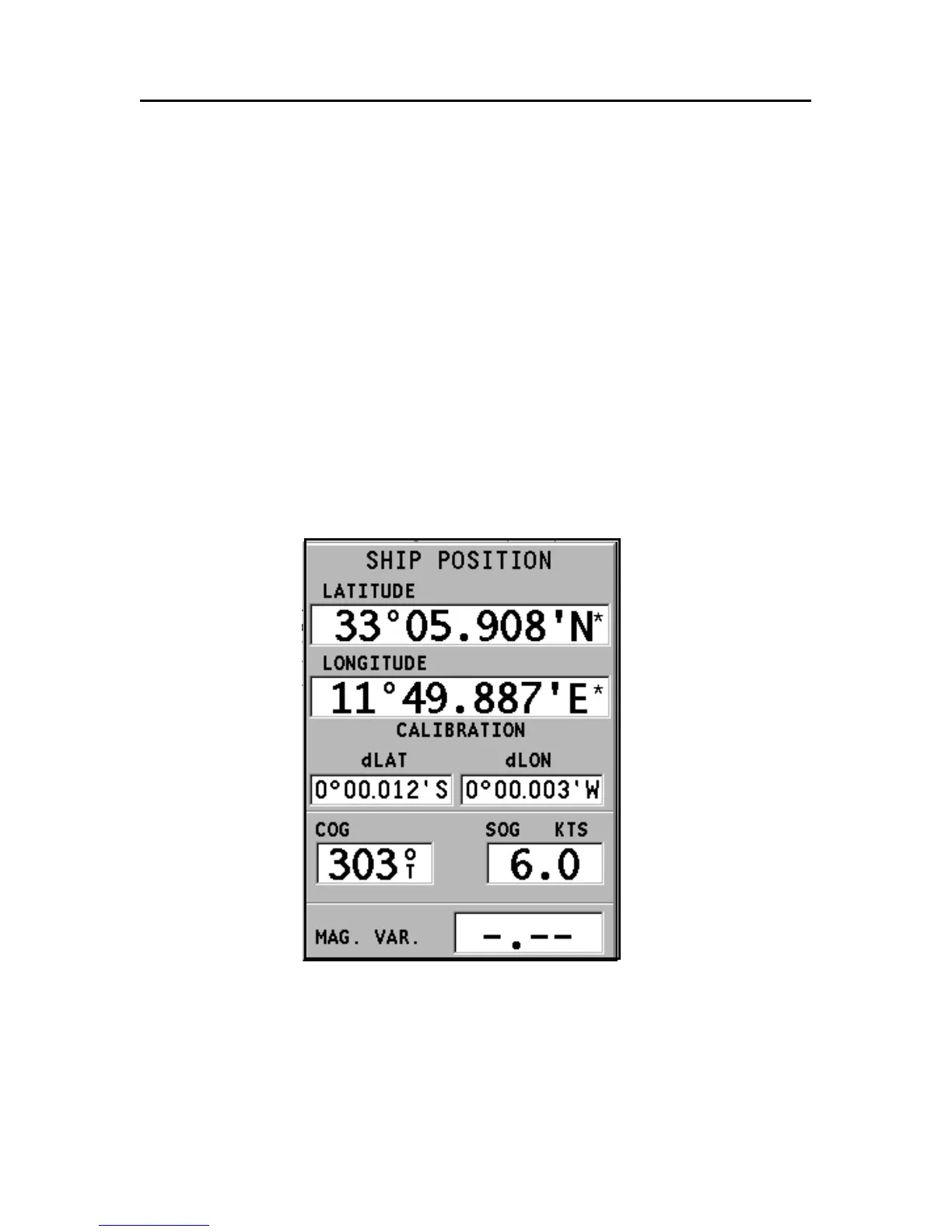
This window displays the following information on the boat’s
current position:
• Geographical coordinates (latitude/longitude)
• The position correction applied to the latitude and longi-
tude (SETUP, CALIBRATION)
• Magnetic variation value received by the GPS
• Course (COG)
• Speed (SOG)
NOTE: This window is available in Navigation mode only.
General Info Window



 To Next Page