78
English
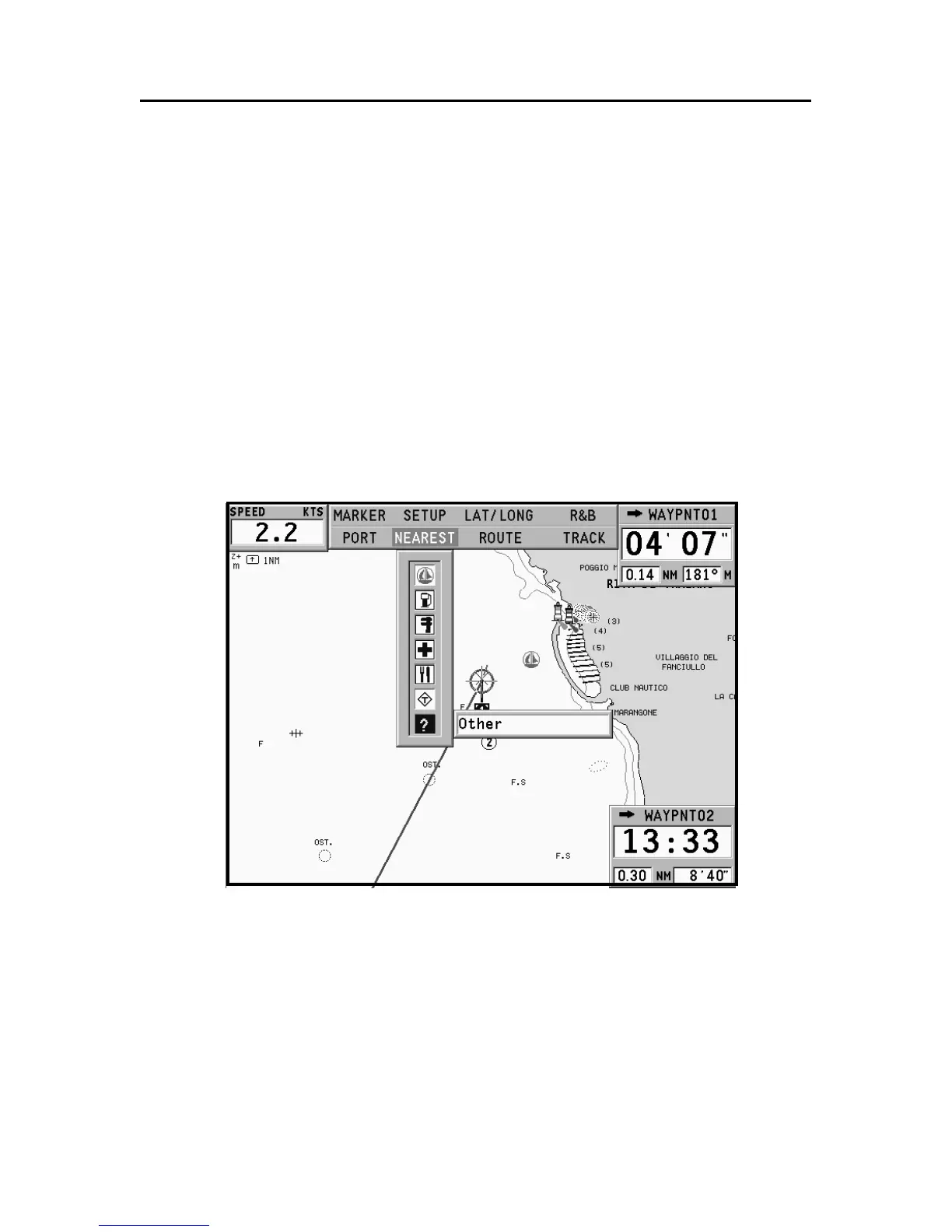
GOTO NEAREST
NOTE: This option is available only with the NAVIONICS cartridges containing the
Port Services features. It allows finding and heading for the nearest port featuring the
service desired. The NAVIONICS Platinum™ cartridges offer a wide choice of ser-
vices, whereas, when using NAVIONICS Gold™ cartridges, the functions supported
will be those provided by plotters employing Gold™ charts only.
Press the GOTO key, select NEAREST by the joystick, choose
the desired service and press ENTER to confirm, or EXIT to can-
cel the operation.
The GEONAV will show the three destinations closest to the
boat’s position (if in Navigation mode), or to the cursor’s posi-
tion (if in Cursor mode), and position automatically on the
closest destination (flashing).
Select one port at a time by using the joystick; a window will
show the distance and time to arrive (estimated on the boat’s
current speed). Press ENTER to confirm the selection.
Goto Nearest



 To Next Page