76
English
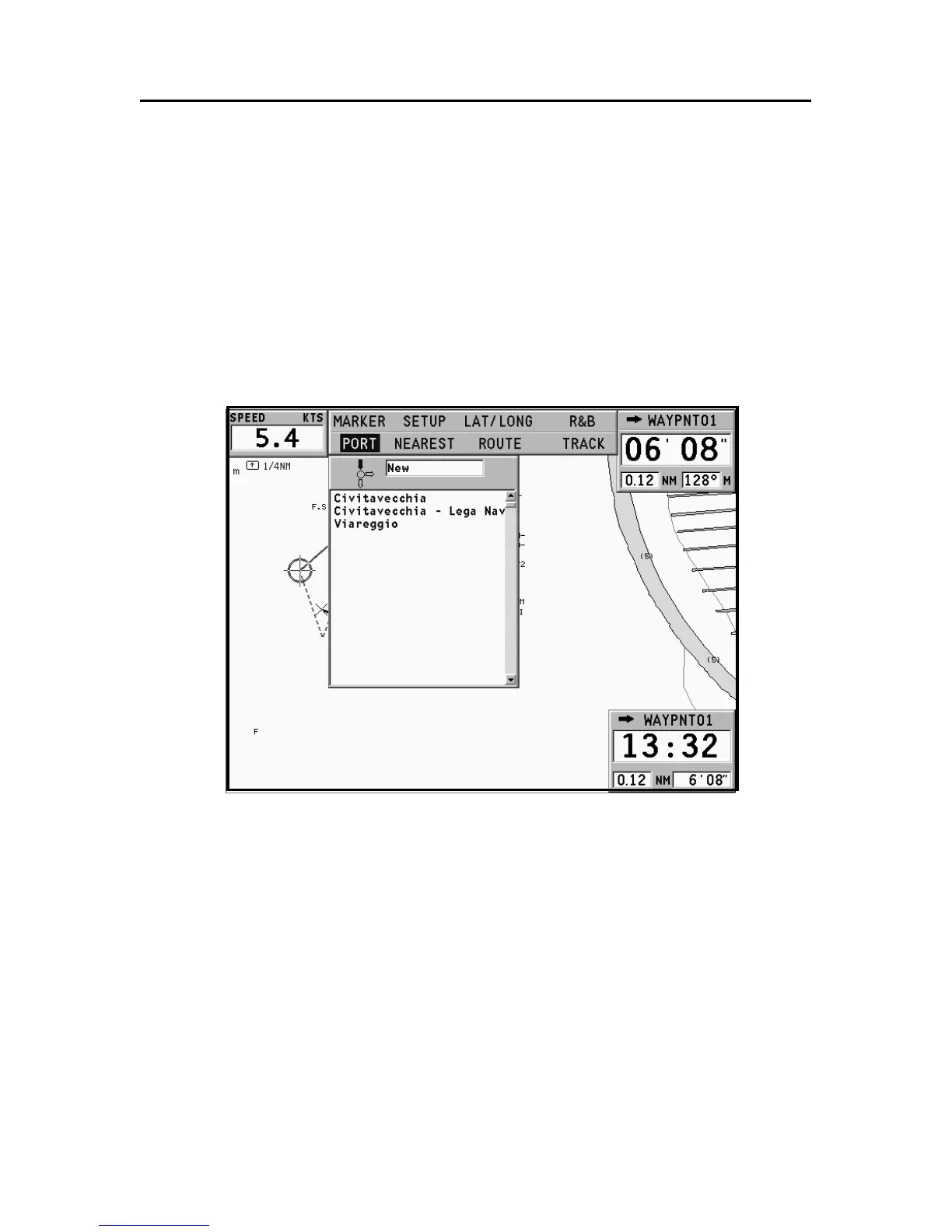
GOTO PORT
Press the GOTO key and select PORT by the joystick.
The list will display the latest ten ports previously selected.
Choose the desired port by the joystick, or select New to dis-
play the whole list of the ports stored in the cartridge.
By moving the joystick in the four directions, form the port
name, or part of it; when the desired port is shown, highlight
it by the joystick and confirm its selection by pressing ENTER.
Once the desired port has been selected, the GEONAV will
insert a waypoint in the port position and append the new leg
to the existing route (if no route is available, the new waypoint
will be connected to the boat’s position).
Press the EXIT key to go back to Navigation mode and enable
automatically the Autozoom function.
Goto Port



 To Next Page