58
English
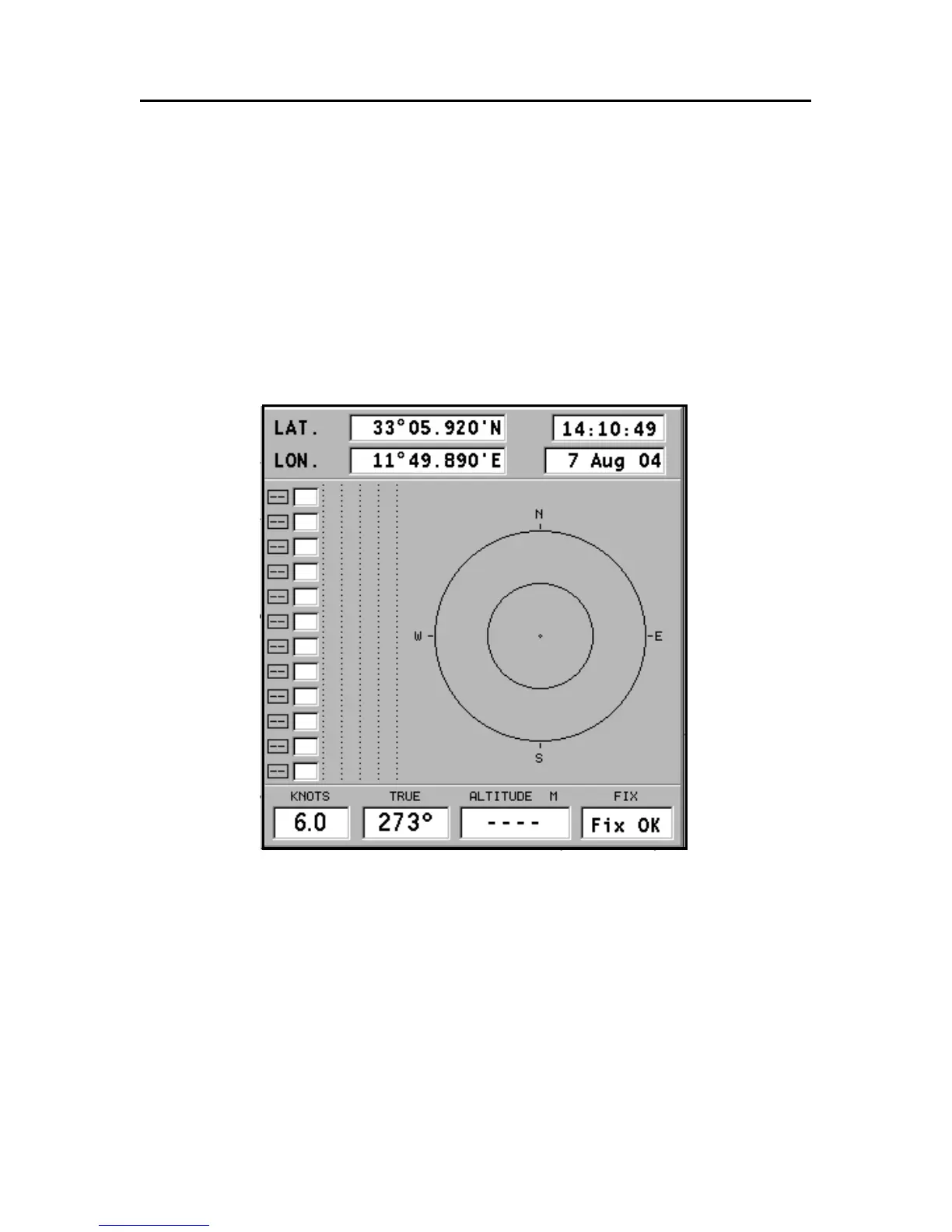
SATELLITE WINDOW
At start-up the satellite window displays how many and which
satellites are tracked by the GPS receiver.
The outer circle represents the horizon, the inner one identi-
fies a 45° elevation with respect to the horizon, and the cen-
tral circle points to the zenith.
The small squares with numbers show the satellites avail-
able. As soon as a satellite is tracked by the GPS receiver, the
number inside the square is displayed in reverse.
The bars displayed on the left identify the signal quality; the
longer the bar, the higher the signal quality.
On the left of each bar, two digits indicate the signal/noise
ratio.
Satellite Window



 To Next Page