24
English
NAVIONICS Electronic Charts
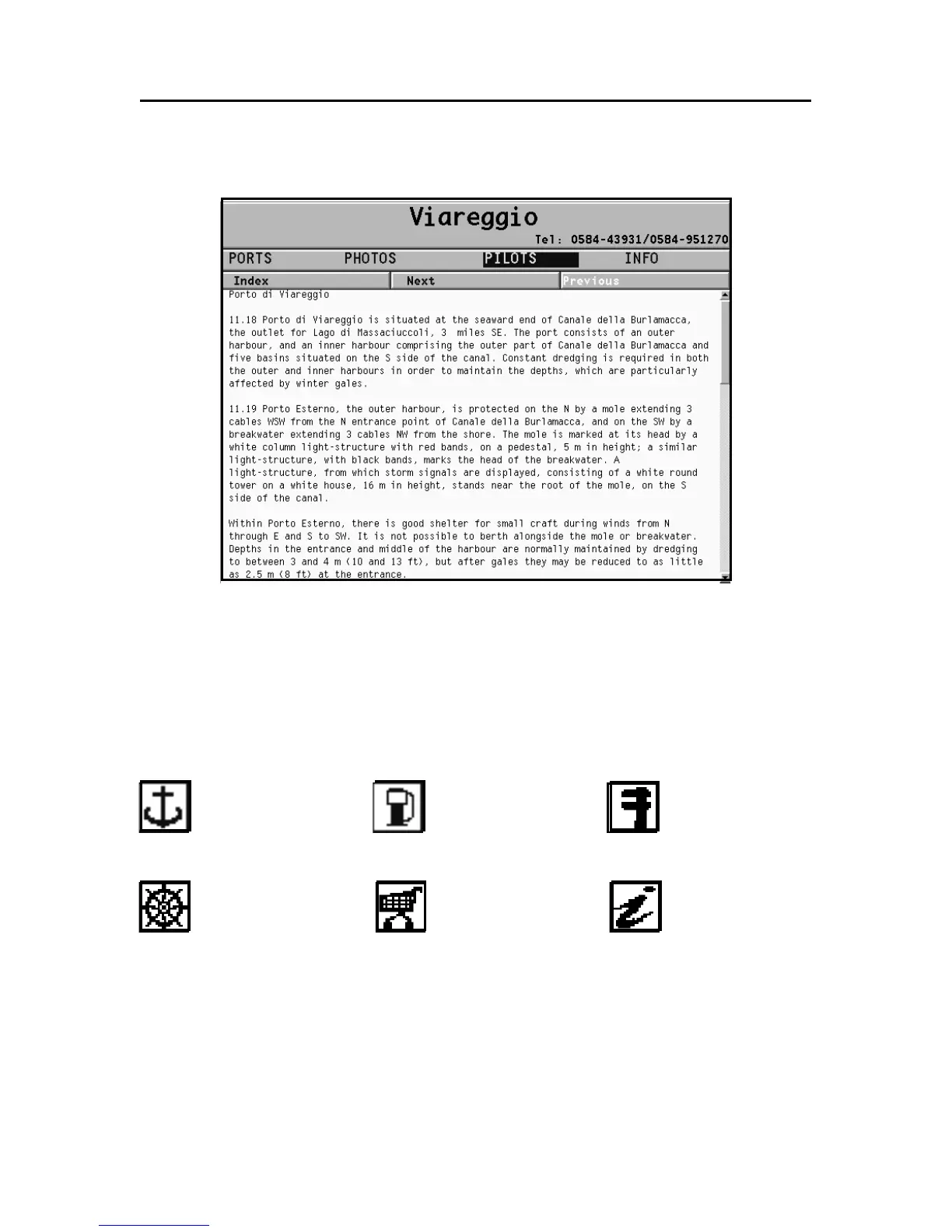
Select INFO to display the list of the services available; a win-
dow will show the list of the port services available in the port
selected. Choose the service desired by the joystick. The num-
ber and the type of icon differ from one port to another.
Port services are identified by the following icons:
Once displayed the list of the services available, those shown
in light blue offer further information; select one of them by
the joystick and press ENTER to display the additional data avail-
able, such as the address, telephone number, business hours,
etc. Press ENTER again to carry out a GOTO operation to the
service selected.
Fuel
Customer
services
Repairs
Provisions Information
Info marina



 To Next Page