32
EN
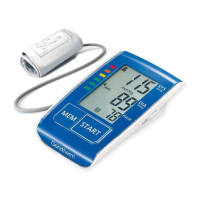
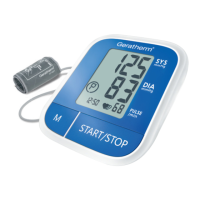
About the unit
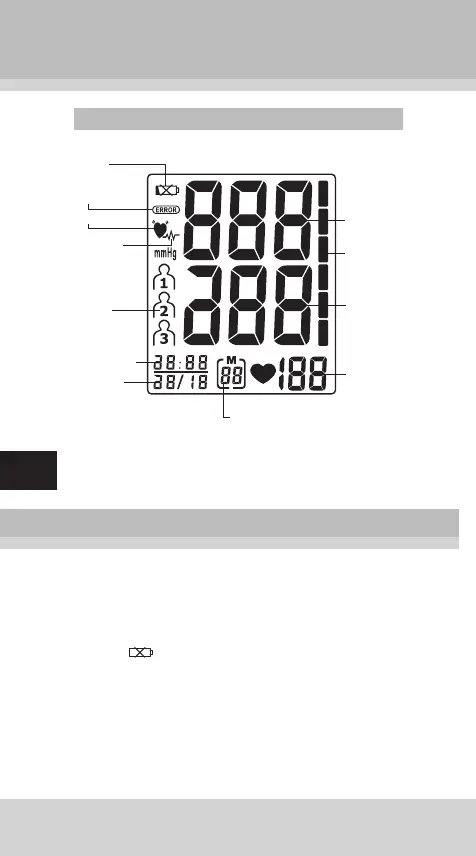
Explanation of the display
Preparation for use
Installing/replacing batteries
1. Insert the batteries into the battery compartment match-
ing correct polarities “+” and “-”.
2. Replace all batteries if the low battery indicator ap-
pears .
3. Remove the batteries if the unit will not be used for a
long period of time.
4. REMOVE all of the BATTERIES when utilising an AC
adapter.
Note:
It is recommended that the same type of alkaline batteries
be used to avoid incompatibility.
Systolic
rate
Diastolic
rate
Puls rate
Low
battery
Error
icon
Icon for
users
1, 2, 3
Pulse symbol
WHO pressure
bar indicator
Number of
memory spaces
Irregular
heartbeat
detector
Hour:Minute
Day/Month


 To Next Page