35
EN
Operations
Setting the time and date
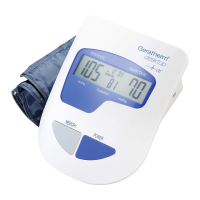
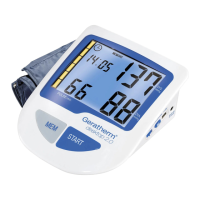
1. Press the “SET” button to select memory store 1, 2, or 3.
2. Press the “MODE” button (“month” starts fl ashing).
Press the “SET” button to set the correct month.
3. Press the “MODE” button again (“date” starts fl ashing).
Press the “SET” button to set the correct date.
4. Press the “MODE” button again (“hour” starts fl ashing).
Press the “SET” button to set the correct hour in 12-
hour format.
5. Press the “MODE” button again (“minute” starts fl ashing).
Press the “SET” button to set the correct minute.
6. Press the “MODE” button again to confi rm the time and
date.
Measuring blood pressure
1. Wrap the cuff around the arm (refer to “Attaching the
pressure cuff“).
2. Sit upright on a chair (refer to „Posture during meas-
urement“).
3. Press the “SET” button to select a particular memory
store number.
4. Then press “START/STOP” to start automatic meas-
urement.
When taking repeat measurements, be sure to select the
same memory store number before pressing “START/
STOP“.
5. The cuff is infl ated. When the pulse is detected, the
PULSE symbol will start fl ashing.
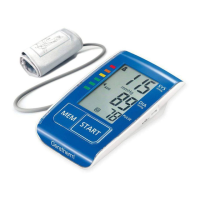
6. After the measuring procedure has been completed,
the blood pressure values (systolic pressure and di-
astolic pressure) along with the pulse and WHO clas-
sifi cation indicator will be shown on the display for 1
minute. After approx. 1 minute without being used, the
unit will automatically switch off.
To interrupt the measurement, you may press the
START/STOP buttons. The cuff will defl ate immedi-
ately after a button is pressed.


 To Next Page