A. There are 3 sections that need to be reset F8, F16, and F17.
Reset units F8: 1) Pound 2) Kilogram
Recommend to use Pound as a unit during reset procedure. When F21 reset the
machine back to factory setting, then there is no need to rest F8.
F16 Set the machine to Zero (To set the machine back to zero, the machine surface
must be clear without any pallet or packages and film roll need to be removed from
carriage.)
Span Calibration F17 (Utilize the weight to correct)
F16 Rest to Zero
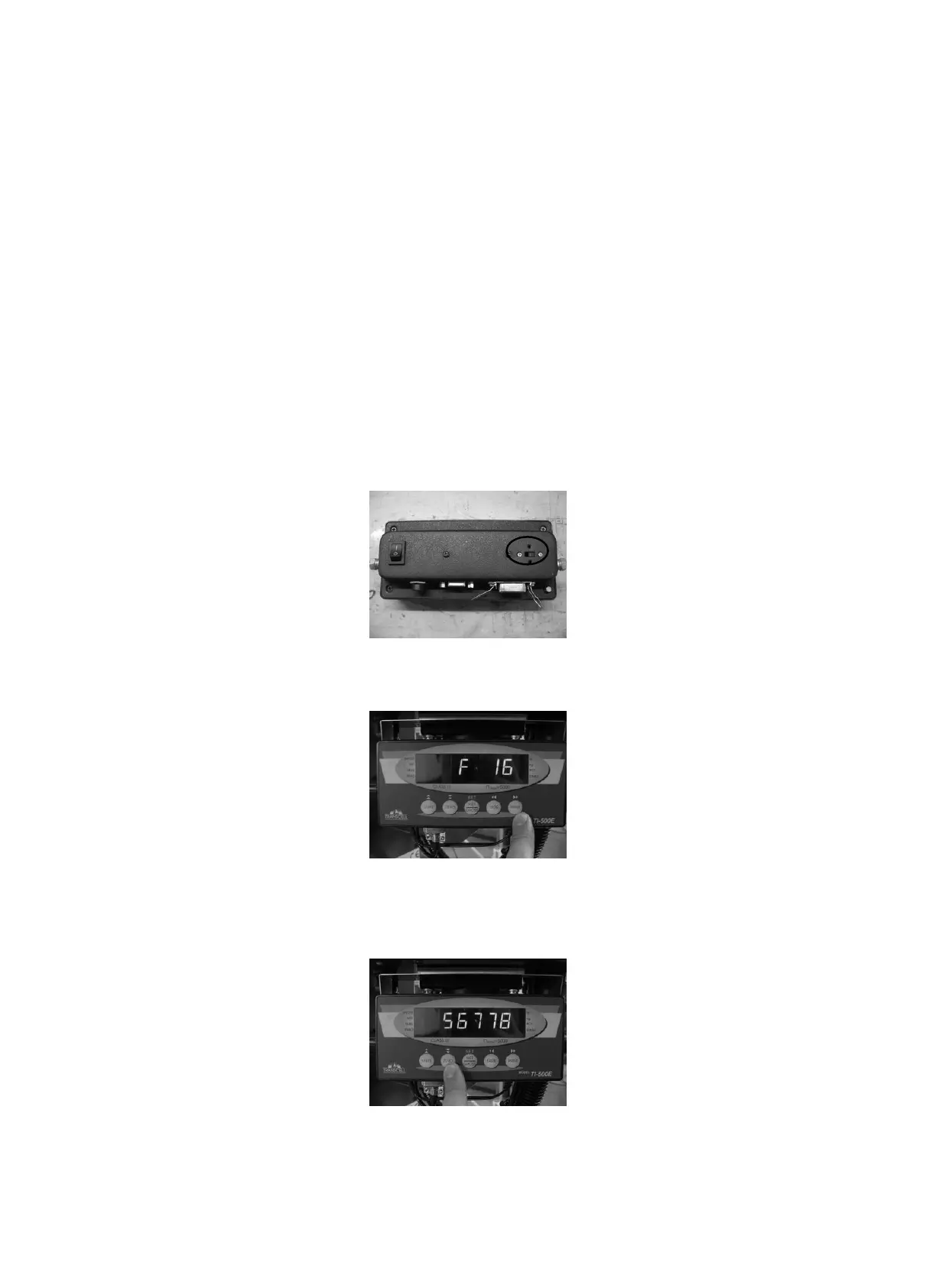
1. Reset switch, adjust the switch to left to enter (setup)
2. Press “Print” button to select F16.
3. Press “Zero” button to enter F16 mode for setting, this procedure require to turn
the power off and on.



 To Next Page