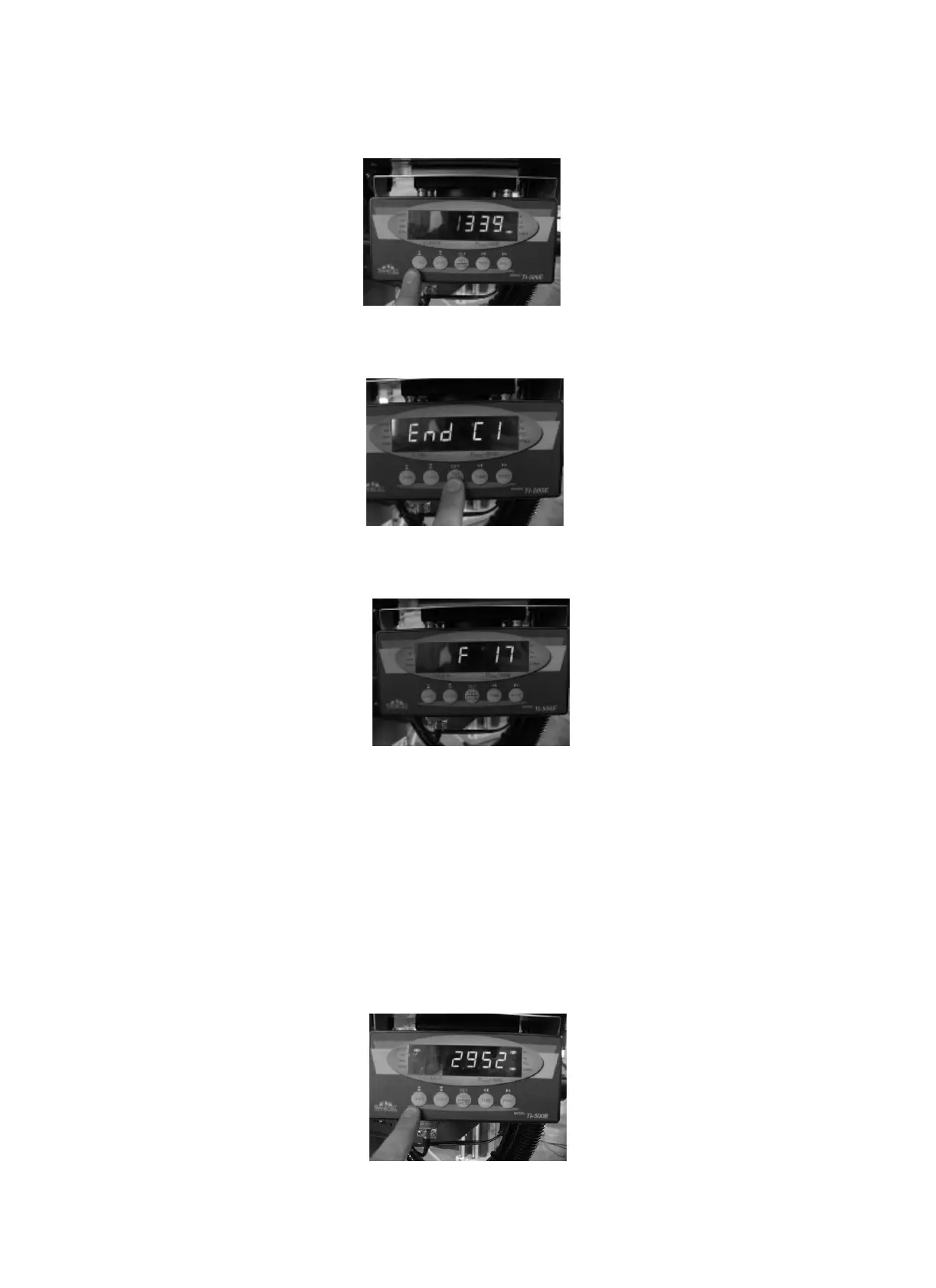
10.Press “Units” button to set the thousandth
--
11.Press “SET” to show End C1
- --
12. Span Calibration end
-
B. If memory lost or Error occur
1. Please select F16 and F17 and write down the number figure on the display.
2. Please select F19 and input the number figure from F16 and select F20 and
Insert the number figure from F17. After this procedure is done, there is no need to
re-set the machine.
C. Switching Pound to Kilo on display
Press “Unit” button to change.



 To Next Page