Getting Started 1-4
Opening the Cover
CAUTION: Be gentle when opening and closing the cover. Opening it vigorously or
slamming it shut could damage the computer.
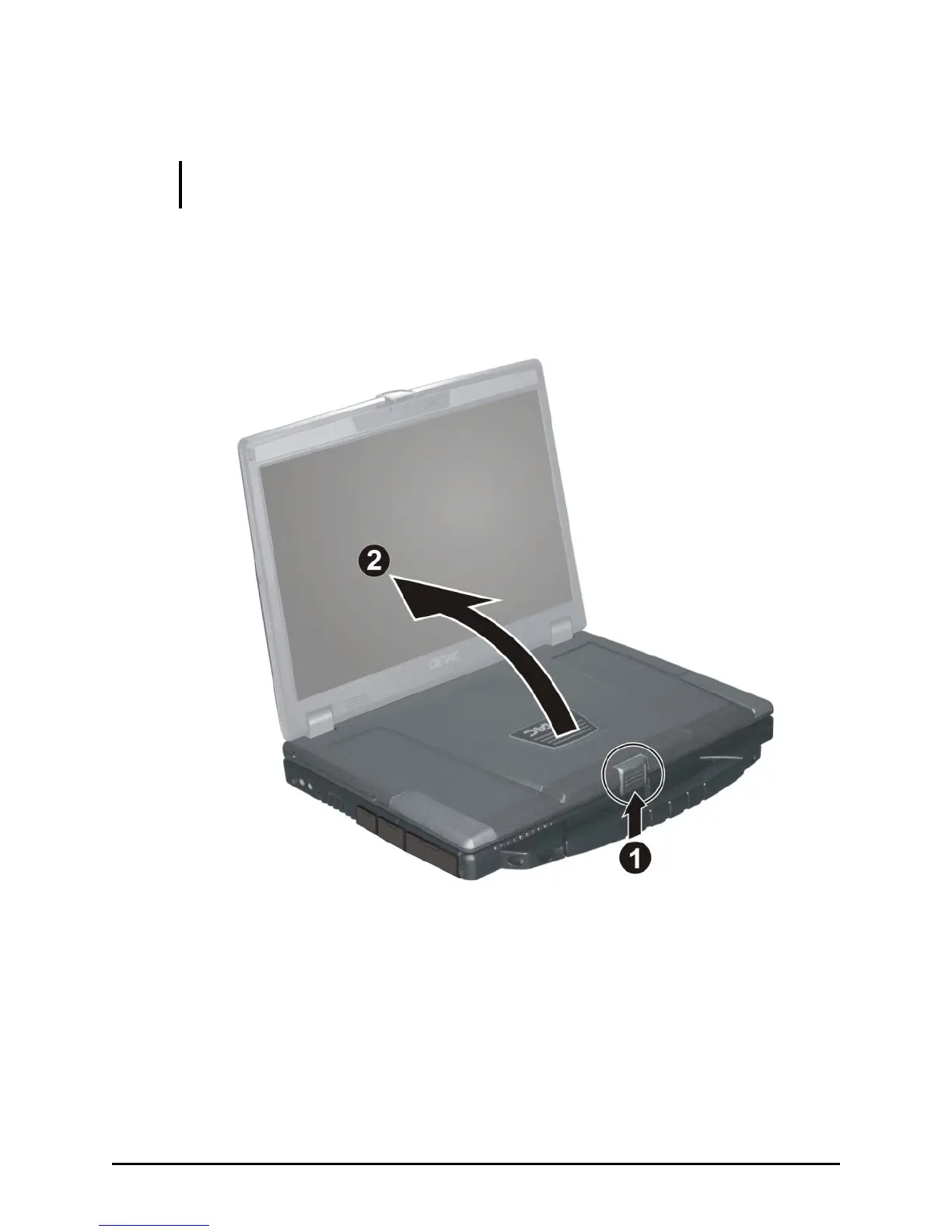
Open the top cover by pulling on the cover latch () and lifting up the
cover (). You can tilt the cover forward or backward for optimal
viewing clarity.
Turning On and Off the Computer
Turning On
1. Make sure that the computer is connected to AC power.



 To Next Page