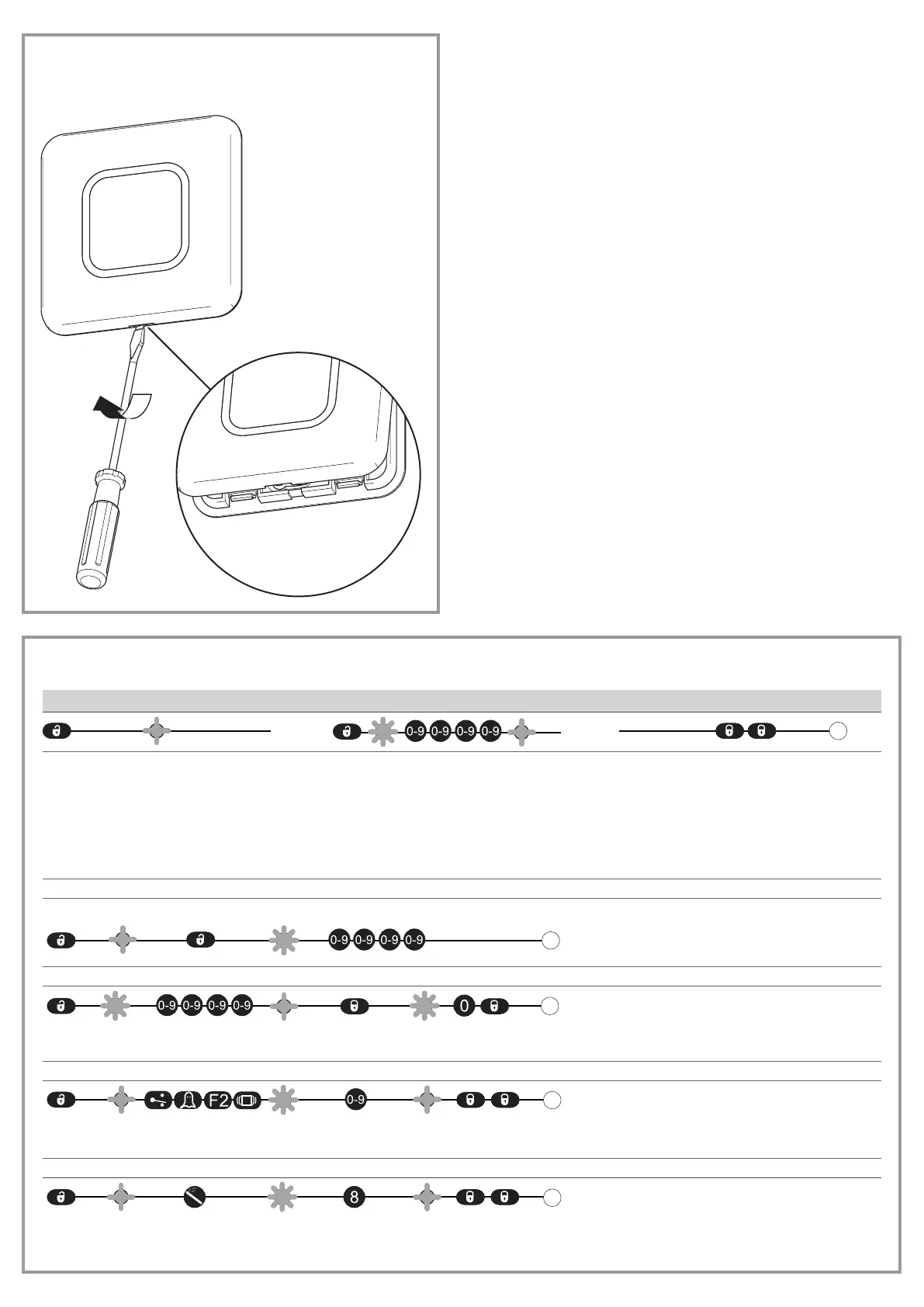
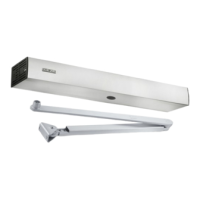
Open the GC 307+
Set using the remote control
Operation
After unlocking,
the red LED ashes and the
sensor is accessible.
If the red LED ashes quickly after unlocking:
X
Enter the access code.
If the access code is not known:
X
Turn the power supply o and on again.
After switch-on the sensor can be unlocked
within 1minute without the access code being
entered.
X
Lock the sensor again at the end of the
settings.
Saving the access code
The access code (1 to 4 digits) is recommended for sensors which are close together.
Deleting the access code
Setting one or more parameters
Resetting to factory settings
Full reset
X
Enter access code.
X
Select a parameter.


 To Next Page