CHAPTER2‐Operation
Fromthispointonward:
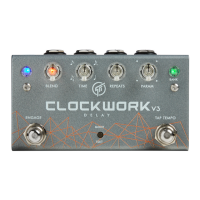
[Engage]willrefertotheEngagefootswitch,
[Tap‐Tempo]willrefertotheTap‐Temposwitch,and
[Mode/Edit]willrefertotheMode/Editpushbutton
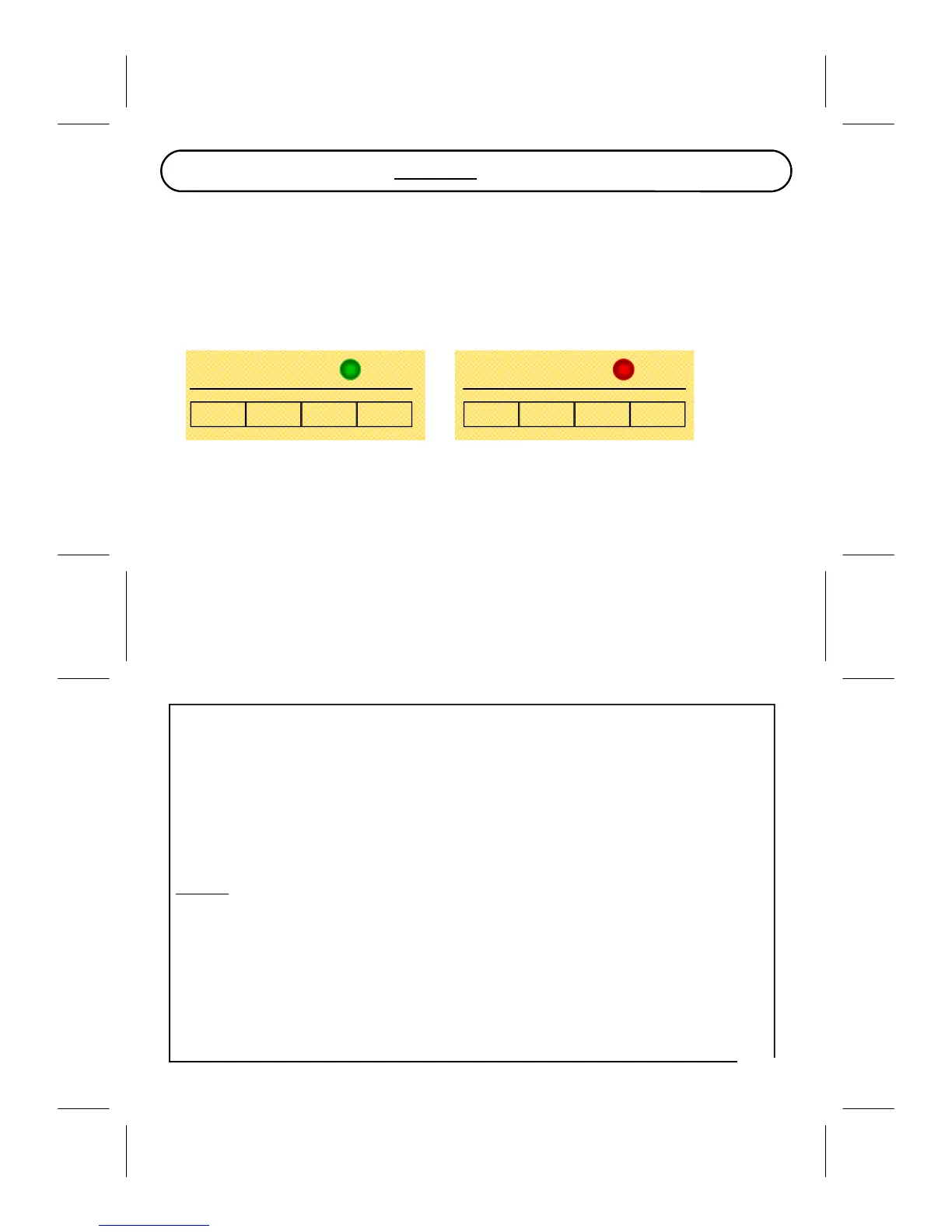
Patch1 Patch2 Patch3 Patch4 Patch1 Patch2 Patch3 Patch4
BANK1 BANK2
PresetSystem
The8presetlocationsareorganizedin2banks,whereeachbankcontains4patches.
5
LOADPRESET
1.Hold[TapTempo]untiltheTempoindicatorLED(BankLED)stopsflashing.
2.Tap[TapTempo]asmanytimesasneededtoreachthedesiredpresetlocation.
3.Tap[Engage]oncetoloadtheselectedpreset.
Presetsareselectedbygoingthrougheachlocationinthe
‘Up’direction(1,2,3,…),whilegoing
through these steps the sound does not get updated until selection is confirmed by pressing
[Engage].
Spillover
: Reverb tail will be preserved when changing preset if and only if both source and
destinationpresetcontainsthesamealgorithm.
LOADAPRESETINADIFFERENTBANK
1.Hold[TapTempo]untiltheTempoindicatorLED(BankLED)stopsflashing.
2.Press[Engage]and[TapTempo]togetheronce
<—thistogglesthebank.
3.Tap[TapTempo]asmanytimesasneededtoreachthedesiredpresetlocation.
4.Tap[Engage]oncetoloadtheselectedpreset.
6


 To Next Page