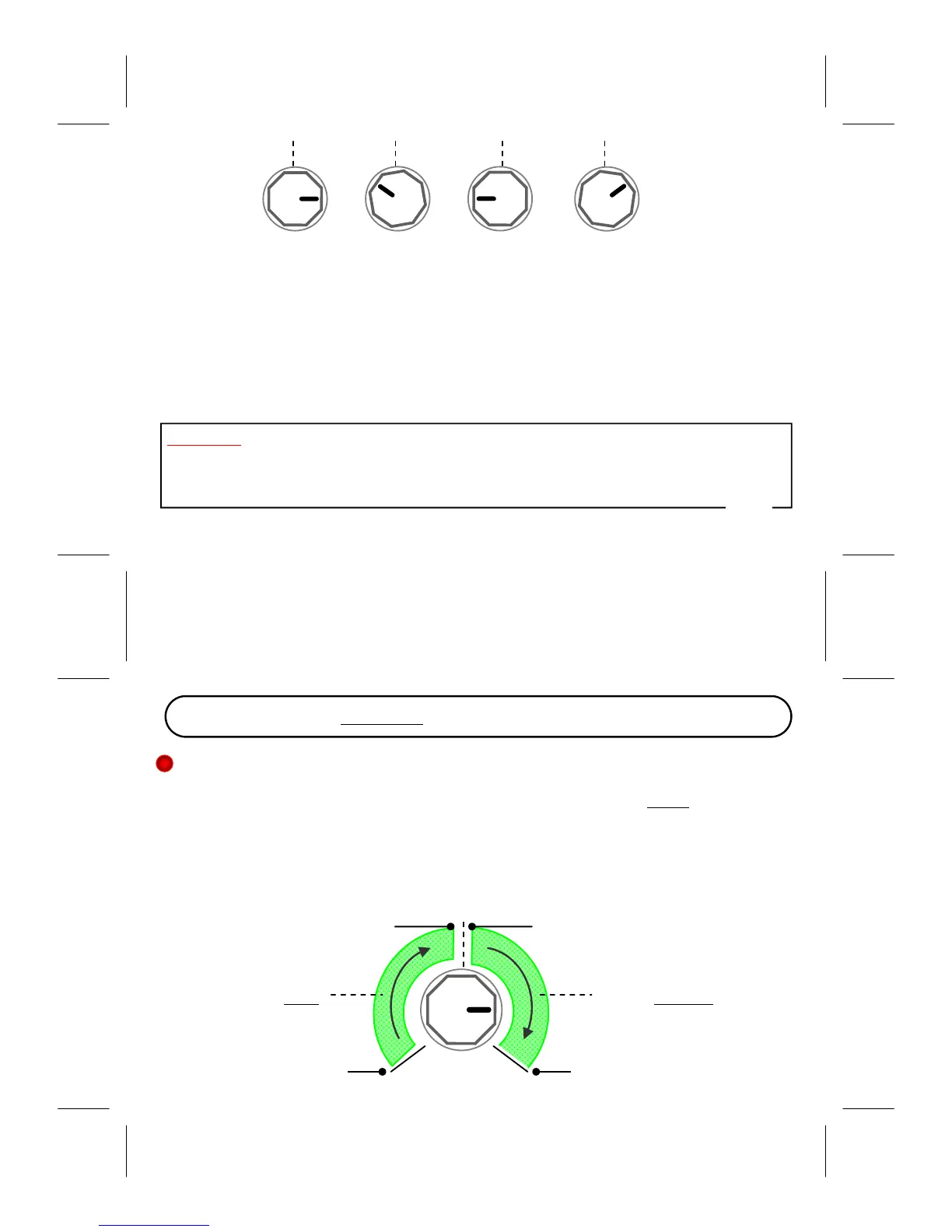
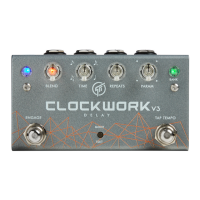
BLEND TIME REPEATS PARAM
Changes will immediately take effect when the knobs are turned so you can go ahead and audition the
parametersassignmentthat suitsyourneeds.Afteryouaresatisfied withthe assignment you can save it
intothe current presetby holding[ENGAGE] untilthepresetLED flashes 3x.Orif you decidenotto save
anychangesyoucansimplyexittheEDITmode,nochangeswillbesaved.
ExitingEDITmode:Pressandhold[Mode/Edit].
WhentheModesLEDstopsblinkingthepedalhasexitedEDITmodeandyoucanusethe
pedalnormallyagain.
ON ONOFF OFF
IMPORTANT:At powerupthepedalwill detect thepresence(orabsence)ofan expression pedal atthe
EXP/TAPinputjack.Ifitsensedthatnothingisconnecteditwilldisabletheexpressionfunctionforaslong
asthepowerstayson.Thismeansyoumustrecyclethepoweranytimeyouplugorunpluganexpression
pedalcableintotheEXP/TAPinputjack.
11
12
Digital
This is a pristine digital delay with modulation. A touch of tone‐shaping is applied to keep the repeats
frombeing‘sterilecold’,whileretainingclarityanddefinition.Delaytimerange:960ms.
PARAMknob controlsbothmodulationDepthandRate.The1sthalfoftheknobtravelgivesslowmodu‐
lation rate, and the last half gives a faster rate. The modulation Depth is fully adjustable within each
region (modulation depth increases as the knob is turned clockwise). Thus you have modulation with
adjustabledepthandachoiceiftwodifferentrates.
Rate:MediumRate:Slow
minimumDepth
PARAM
minimumDepth
maximumDepth
maximumDepth
CHAPTER5‐Modes/Algorithms


 To Next Page