GHL Doser Resource Guide
Release 07/2018
23
7. Enter the security key number into the “Security key” box in myGHL.com
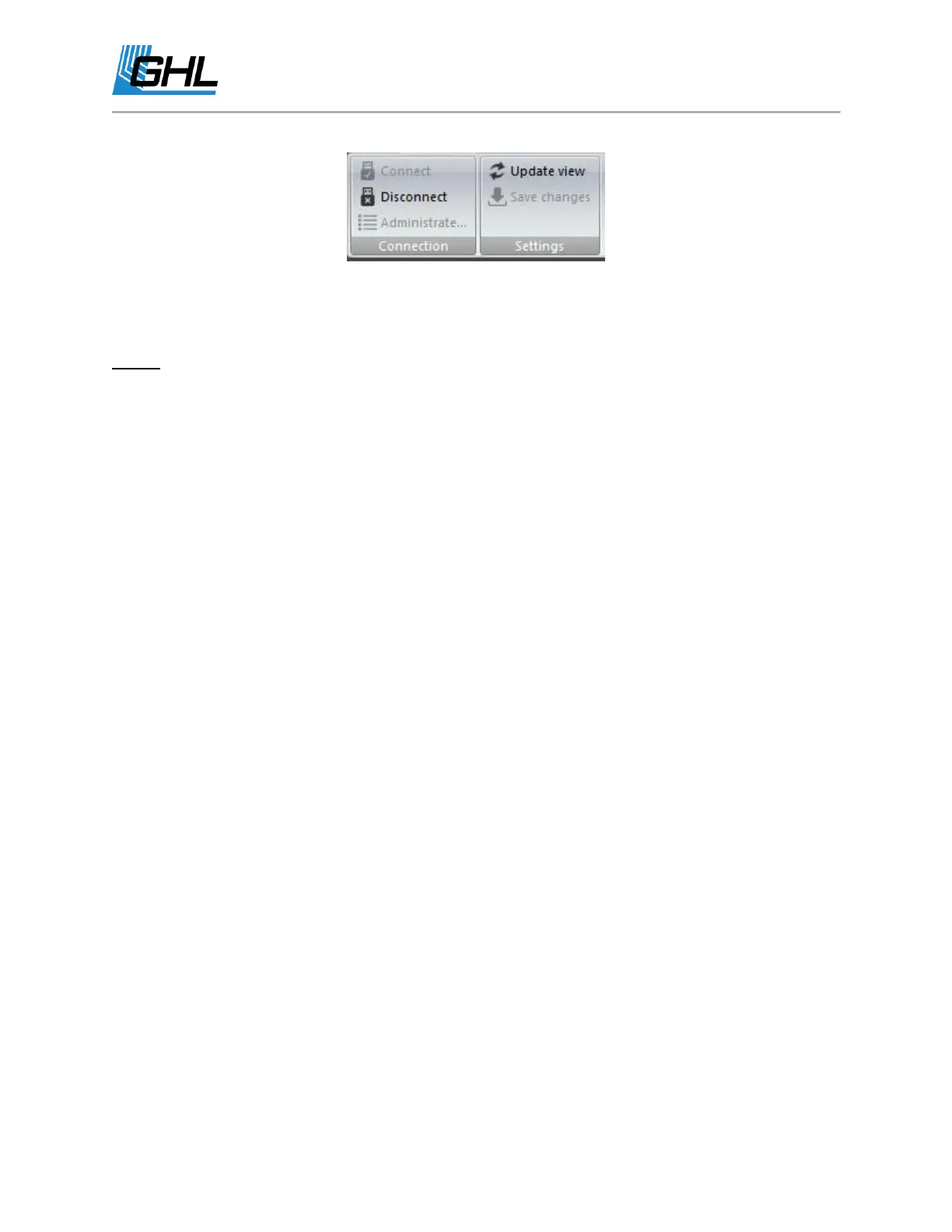
8. Click “Connect”.
NOTE: Once the device has been added, you can connect by clicking on the
(Show)
icon.
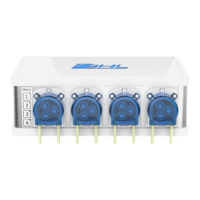
How to Program a Dosing Pump
Before programing a dosing pump via GHL Control Center or the smartphone app, please make
sure you have done the following:
● Connected the clear plastic tubing adapters to each pump
● Connected the necessary amount of tubing needed for each pump
● Calibrated each pump (Only for initial setup and when pump speed is changed)
● Primed each pump to fill the tubing lines with fluid
To program a dosing pump, please do the following:
1. Connect to your GHL Doser.
2. Click on “Dose Overview” and select the pump you wish to program. You may also use
the drop-down option to select a dosing pump.


 To Next Page