28
27
Fig 3.2
www.giadatech.com
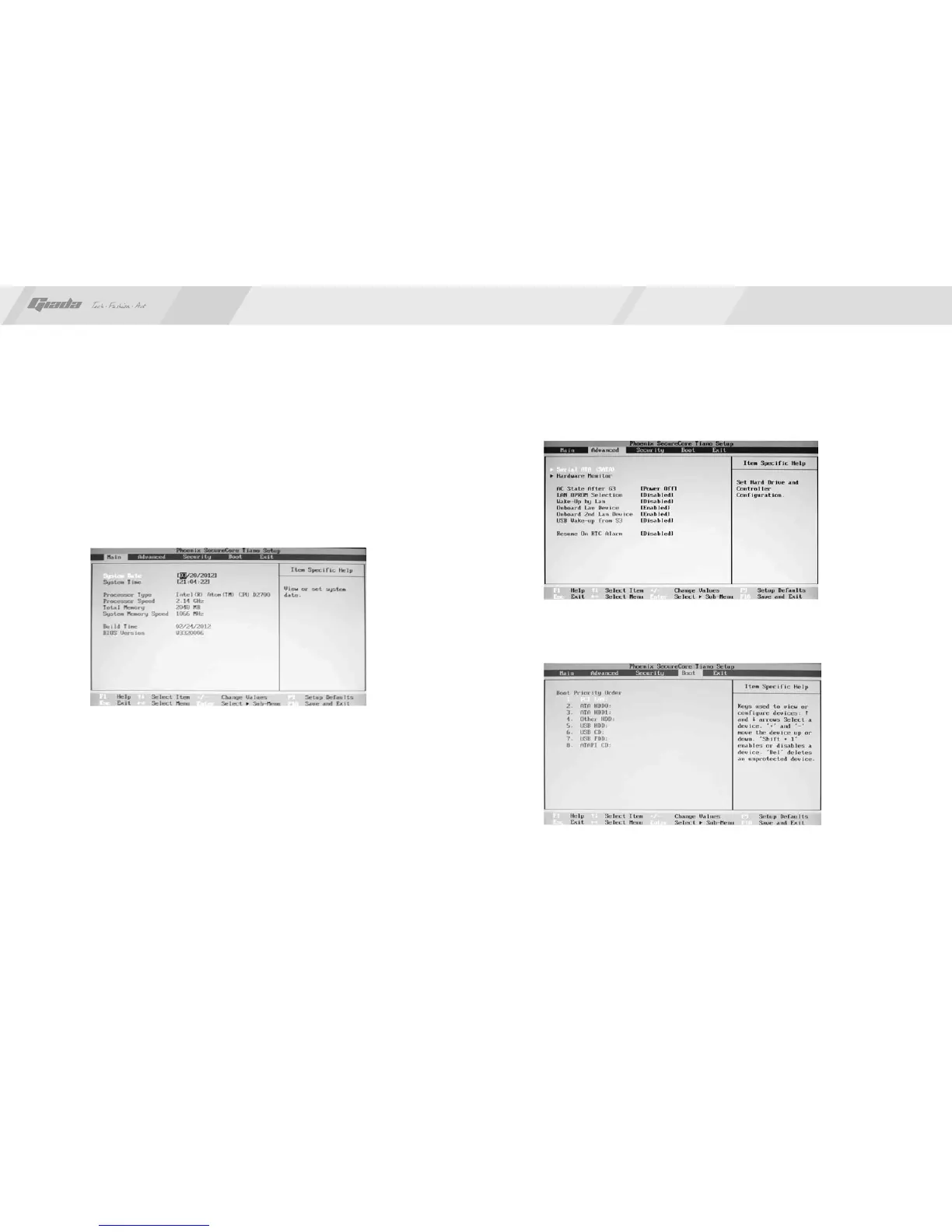
2. Main (standard CMOS setup)
· System time (hh:mm:ss)
Use this item to set the time for the computer, with the format as
“hour/minute/second”.
System date (mm:dd:yy)
Use this item to set the date for the computer, with the format as “week,
month/day/year”.
·
· Exit (option of exit)
This item includes load optimal defaults/load failsafe defaults value/discard
changes/ discard changes and exit.
3. Advanced (Advanced BIOS setup)
Fig 3.3
Fig 3.4
4. Boot Configuration
· Diagnostic Splash Screen
If this item is set as Enabled, the system can be started within five seconds and
some detection items will be ignored. The options are [Disabled] and [Enabled].



 To Next Page