34
33
www.giadatech.com
NOTE:Pictures below just showing the driver install steps, please see the real
product for detailed information.
1. Install driver for motherboard
After you complete the installation of the operating system, you should then
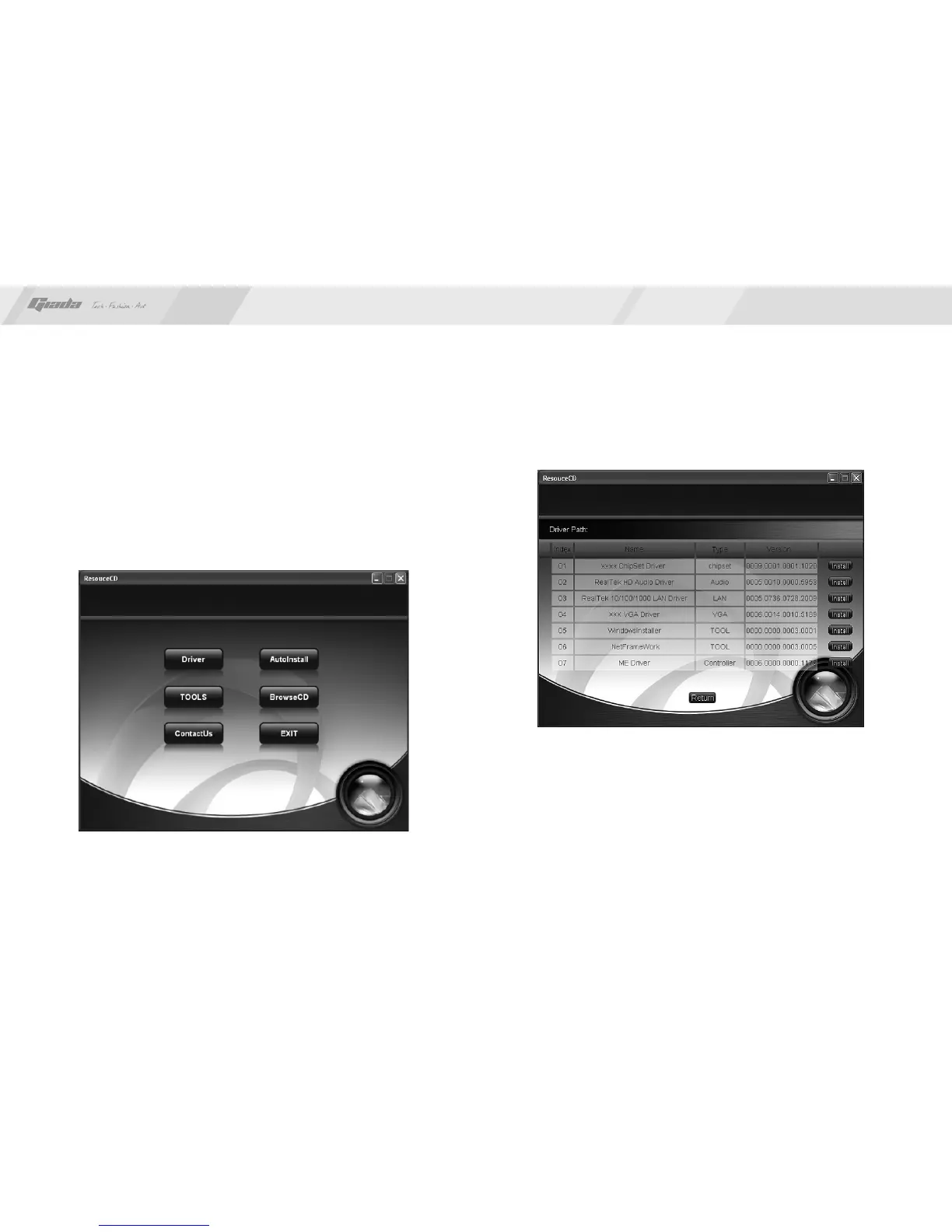
install the driver for the motherboard. To this end, put the disk into the
CD-ROM. The interface as shown in Fig. 4.1 will appear.
IV. Software installation
Fig. 4.1
In Fig 4.1, click "Driver ", another UI appears as shown in Fig 4.2.
Fig. 4.2



 To Next Page