3635
www.giadatech.com
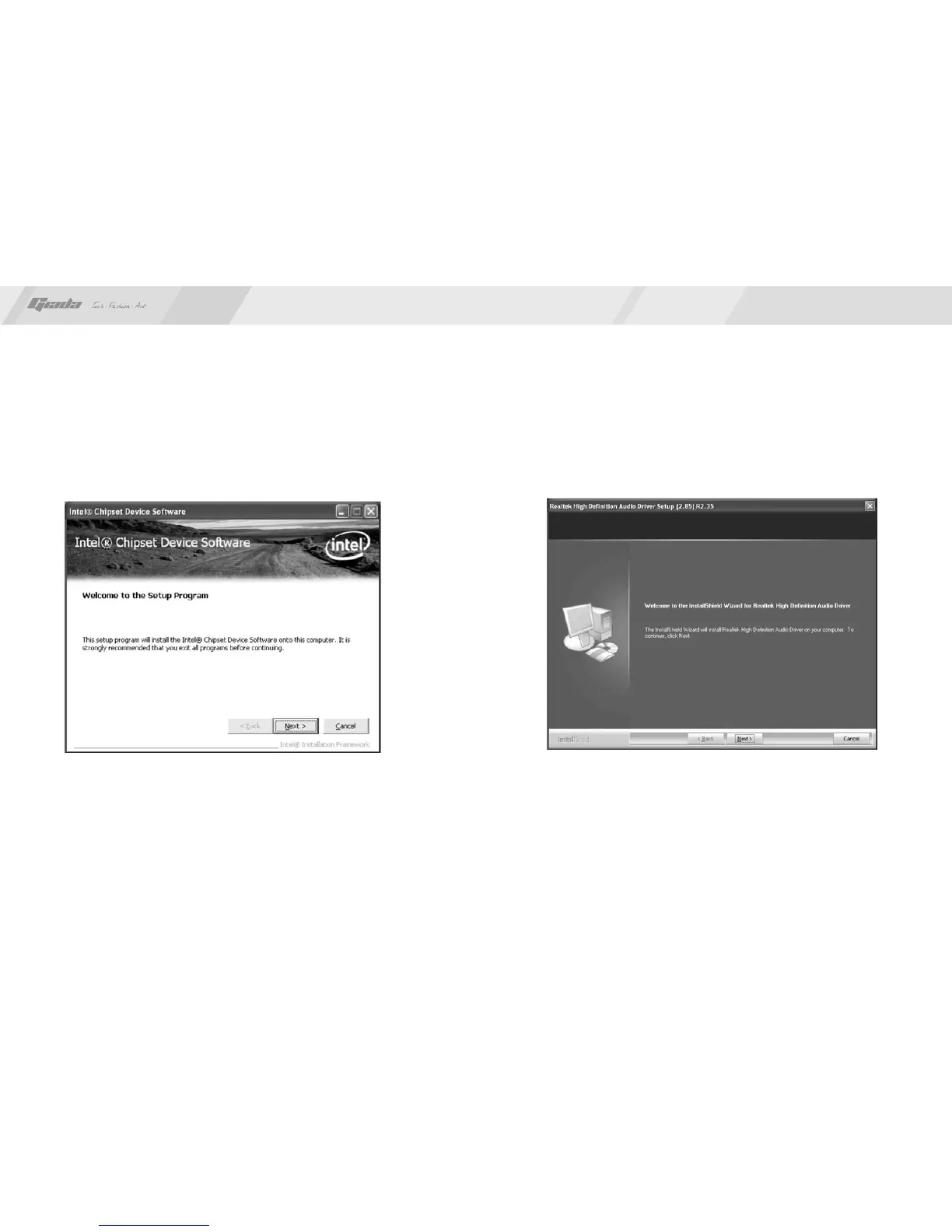
Fig. 4.3
1.1. Installing driver for Chipset
After you click “Install” behind the “Intel Chipset driver” in the interface of
Fig. 4.2, a dialog box as shown in Fig. 4.3 will pop up. Then you can click Next
and wait till the driver is installed completely.
Fig. 4.4
1.2 Install Sound card driver
After you click “Install” behind the “Realtek HD audio driver” in the interface of
Fig. 4.2, a dialog box as shown in Fig. 4.4 will pop up. Then you can click “Next”
and wait till the driver is installed completely.



 To Next Page