38
37
www.giadatech.com
1.3 Installing driver for on-board LAN chip
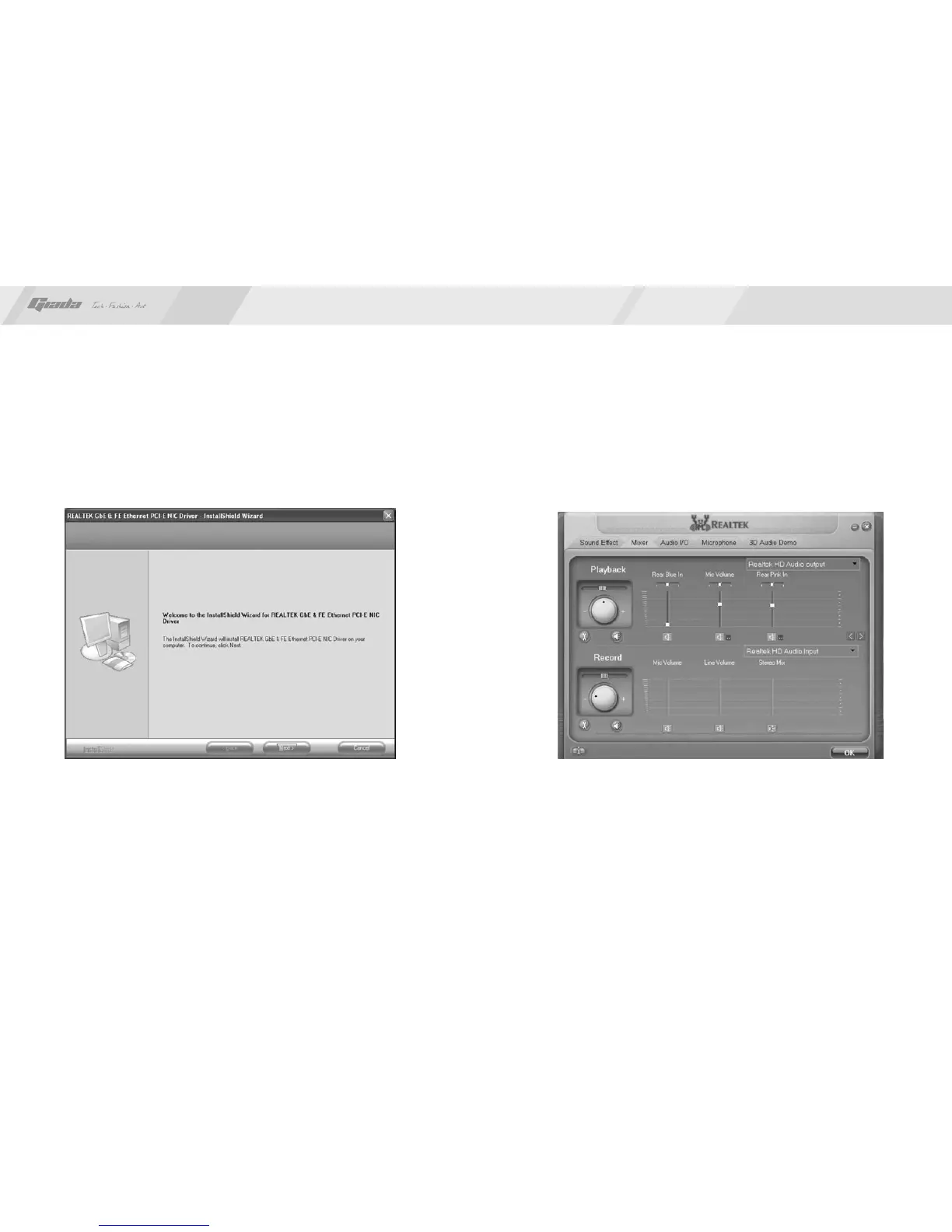
After you click “Install” behind the “Realtek 10/100/1000 LAN Driver” in the
interface of Fig. 4.2, a dialog box as shown in Fig. 4.5 will pop up. Then you
can click “Next” and wait till the driver is installed completely.
Fig. 4.5
2. HD-AUDIO sound card setup
For Windows XP SP2:
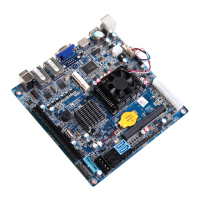
The control panel of the audio adapter will appear after the driver is installed,
as shown in Fig. 4.6.
·
Fig. 4.6



 To Next Page