40
39
www.giadatech.com
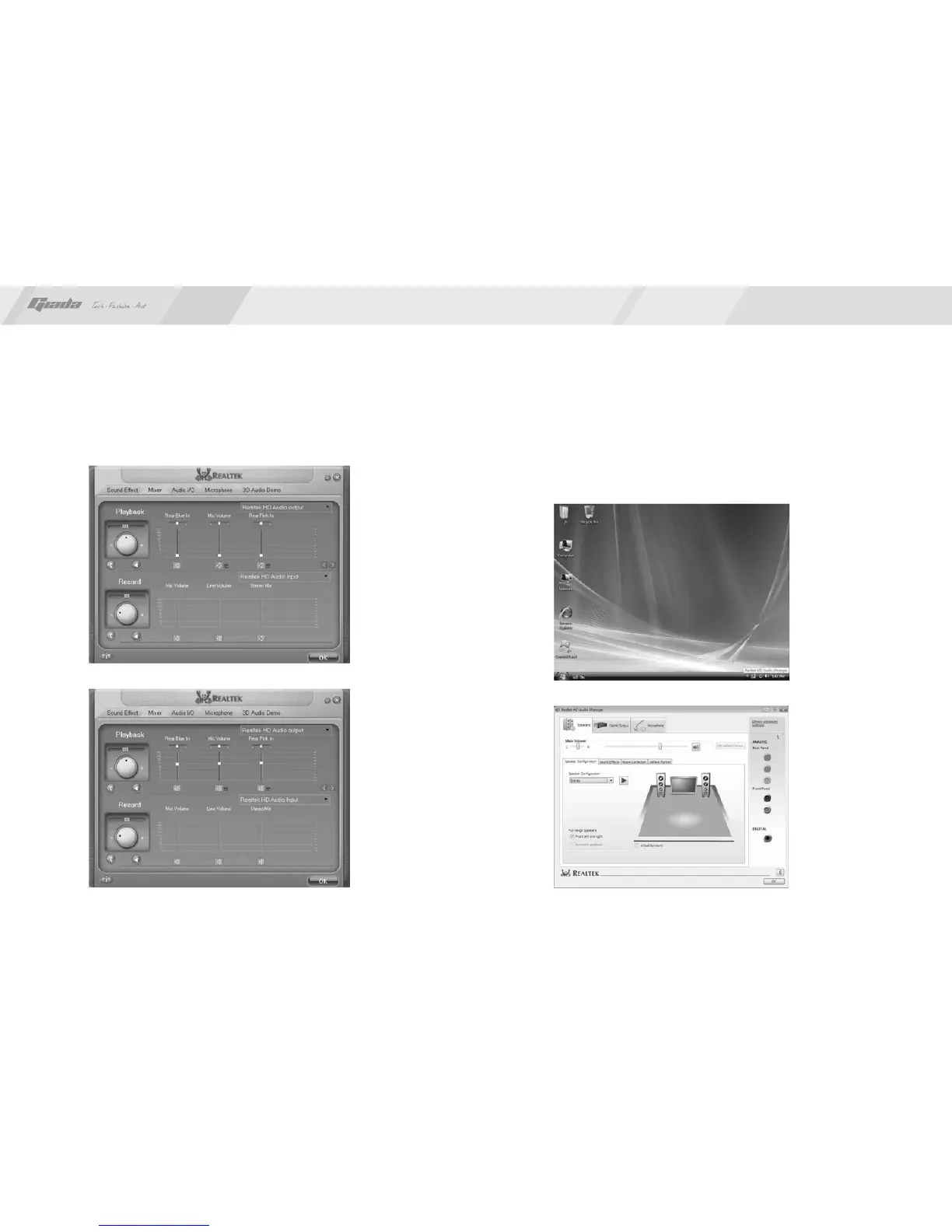
Fig. 4.7
Fig. 4.8
After the initial installation of the driver, the default state of microphone is
mute. You need to turn it on manually, as shown in Fig. 4.7 and 4.8.
Fig. 4.9
Fig. 4.10
For Windows Vista:
After the driver for the audio adapter is installed, you can click the Audio Manager
at the lower right corner. The initial interface will pop up, as shown in Fig. 4.9
and 4.10.



 To Next Page