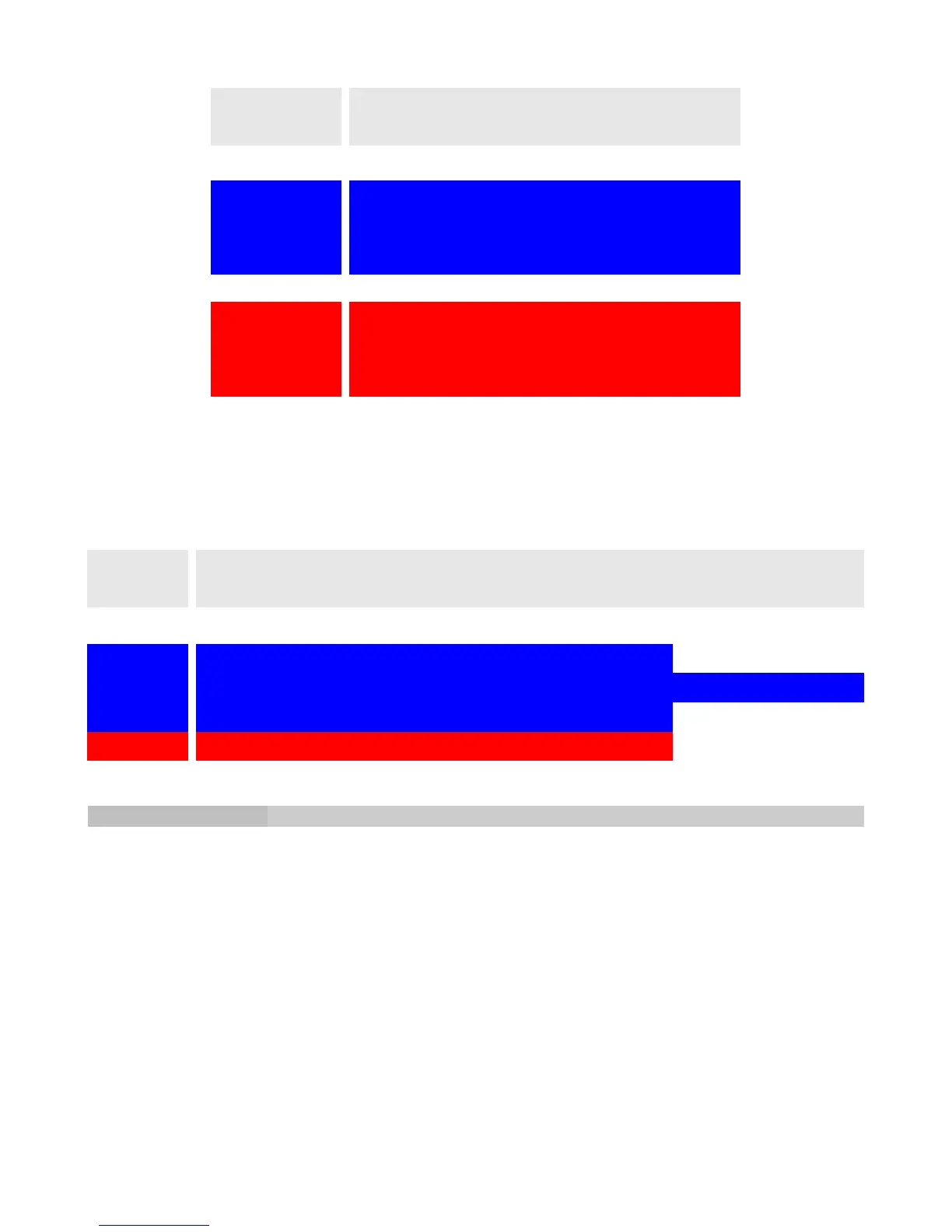
With the Modulation, Echo, Reverb, and Distortion tog-pot positions, the Type slider chooses
the different effect types shown in the following chart.
Note: Type slider position 1 is closest to the headstock; moving the slider closer to the
bridge selects higher numbers.
Strum Tempo Option
Firebird X can use a Switchboard footswitch to set the delay time (called “tap tempo”).
However, you can also set the delay time with Firebird X’s unique Strum Tempo option.
1. Select any patch that has a Delay effect enabled.
2. Toggle the silver tog-pot rapidly three times between Tuning (down position) and Piezo
(center position).
3. T appears in the center of the Gear Shift knob.
4. Mute the strings with your left hand and strike the strings four times with your right
hand. The onboard computer will calculate the delay time from these peaks.
5. Play Firebird X and determine that the delay time is correct. If not, repeat steps 1-4 and
make you you strike the strings with sufficient force to create strong peaks.
Page 18
1 2 3 4 5 6 7
Mod
Chorus Tremolo Phaser Vibrato Flanger
Echo
Digital Delay Analog Delay Tape Delay Chorus Delay Ducking Delay Reverse Delay Looper
Reverb
Hall Bright Ducking Cosmic Plate Damped Spring Taj Mahal
Distortion
80’s High-Gain 60’s Royal OD 70’s 90’s Metal
Effect
Block/Tog-
Pot Position
< < toward headstock Type Slider Position toward bridge > >
Effect Type
Mod Echo Reverb
Top Slider
Type Type Type
Middle Slider
Rate Feedback Feedback
Bottom Slider
Depth Time Damping
Compression Distortion EQ
Top Slider
Sustain Type 5.5kHz
Middle Slider
Comp Threshold Bite 1.3kHz
Bottom Slider
Noise Gate Threashold Drive 200Hz
Slider Position
(top = closest to
FBX top)



 To Next Page