Chapter 5: Red Bank Functions
In addition to tuning and patch Banks, a third Bank provides utilities and customizations.
It’s called the Red Bank because when you initially enter the Bank, the Gear Shift knob
displays mostly red characters.
Select a Red Bank Function
Select a Red Bank Function
1. Switch the silver tog-pot to the up position (PU/Prog) and within one second, push down
on the Digital Varitone knob.
2. Rotate the Gear Shift knob to select the desired Red Bank function. Upon selecting a
Gear Shift position, the Display Matrix will show a red letter for the function ID, then scroll
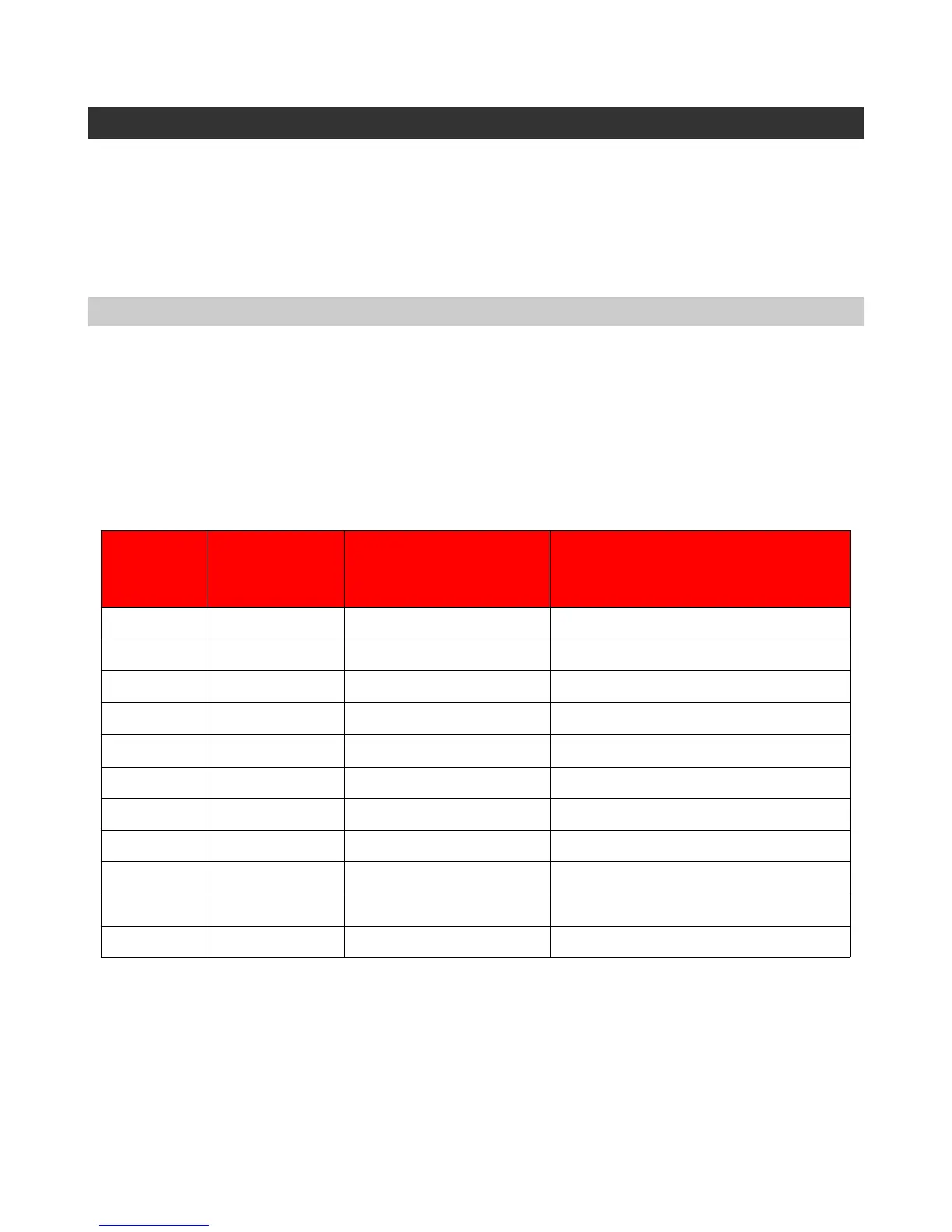
through a series of magenta letters that give an abbreviated function name. The following
chart shows the details.
3. Push down on the Digital Varitone knob to start editing the function. Note: This
additional push is not needed for the Bluetooth function.
4. To exit the Red Bank, return the silver tog-pot to the center position.
Page 28
Abbreviation Function
Peg T TUNER Chromatic tuner function
I I INT Adjust intonation
C C CUS Create custom tuning
E R REF Sets reference pitch (e.g., A = 440)
A up arrow UP
Tune replacement string(s) up to pitch
D down arrow DWN Tune string(s) down for removal
G R ROBO Robo-Tuner test
B B [4 characters] Show Bluetooth ID
e e N/A Reserved for future expansion
Arrow b# N/A Piezo calibration
Full CCW
N/A Restore all factory defaults
Gear Shift
Pos.
GearShift
display



 To Next Page