14 | P a g e
Reset Function (Red Category)
Restore factory default tuning presets for the selected tuning preset bank
1. With Gibson G FORCE off, press On three times.
2. Press the Left button five times (selects red e string LED).
3. Press Enter. Use the Left/Right buttons to select the string LED associated with the Function
below. The remaining procedure is the same for each Function.
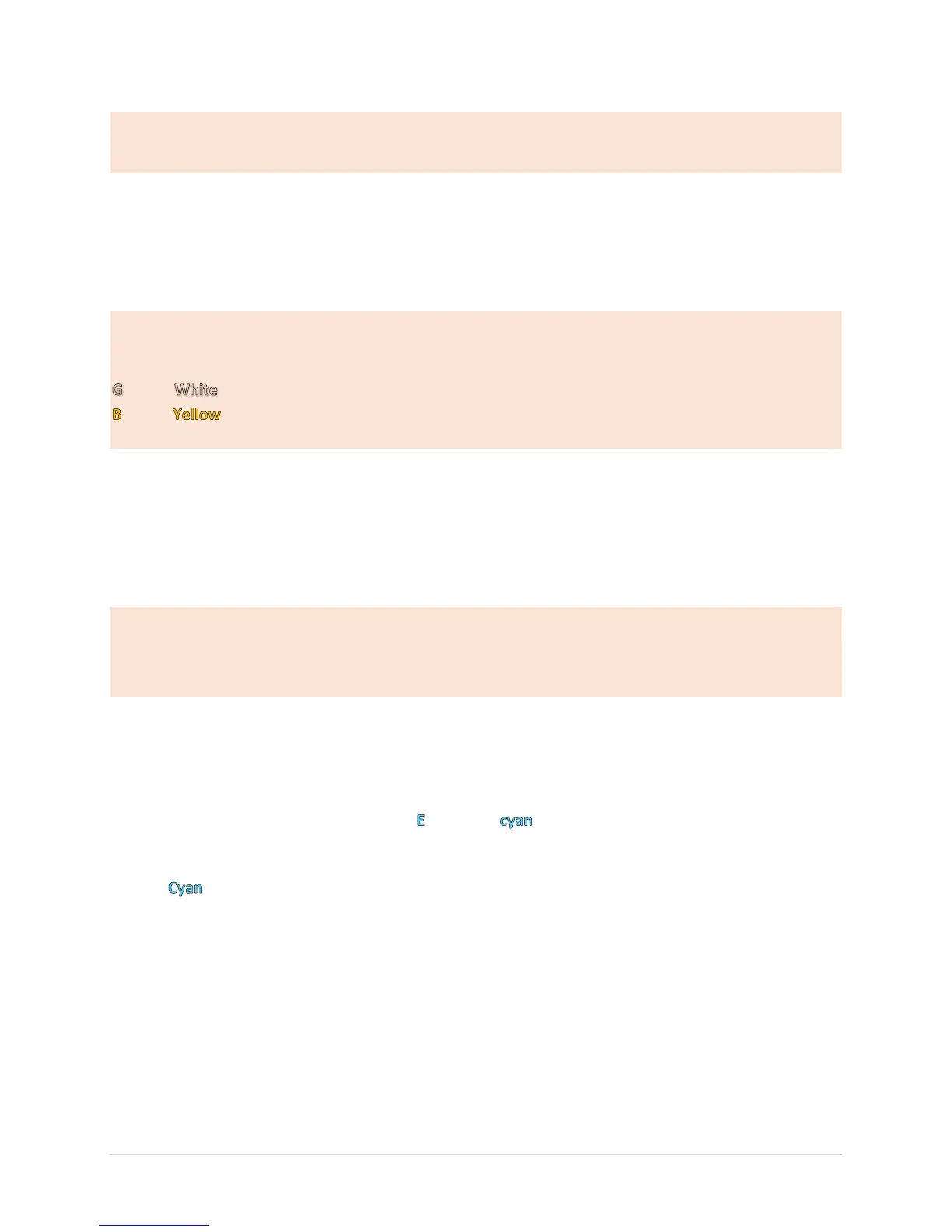
E Reset Red Tuning preset bank
A Reset Green Tuning preset bank
D Reset Blue Tuning preset bank
Reset Tuning preset bank
Reset Tuning preset bank
e Reset Magenta Tuning preset bank
4. Press and hold the Enter and Up buttons simultaneously by pushing in the space between them
while holding your finger over both buttons.
5. LEDs with the same color as the bank flash sequentially = reset confirmed.
6. To reset additional banks, repeat steps 3-5.
Master System Reset (Red Category)
Restore Gibson G FORCE to original factory settings (also highly recommended
when changing string gauges)
Note: This procedure erases all custom tunings.
1. With Gibson G FORCE off, press On three times.
2. Press the Left button five times to select the red e string LED. Press Enter.
3. Press the Left button six times. The LED lights .
4. Press and hold the Enter and Up buttons simultaneously by pushing in the space between them
while holding your finger over both buttons.
5. LEDs light sequentially = reset confirmed.
6. After a reset, use Calibration mode to re-calibrate the guitar (see next section).


 To Next Page