2 | P a g e
Contents
03 Basic Gibson G FORCE™ Functions: Start Here
04 Main Tuning Preset Bank Default Tunings
05 Low Tuning Preset Bank Default Tunings
06 Re-Stringing Guitars with Gibson G FORCE™
09 Changing the Gibson G FORCE Battery
09 Overview: How to Choose, Access, and Edit Advanced Functions
11 Tuning Functions ( Category)
11 String Up/Down
11 Custom Tuning
11 Custom Tuning with “Pitch Assist” Mode
12 Reference Tuning
12 Firmware Version
13 Battery Level
13 Temporary Global Tuning Offset
14 Reset Function (Red Category)
14 Master System Reset (Red Category)
15 Advanced Hardware Functions ( Category)
15 Calibration Mode
15 Accuracy
16 Machine Head Delay
16 Machine Head Speed
16 Interference Filter
17 Advanced Software Functions ( Category)
17 Gain
17 Guitar Type
17 Pitch Window
18 Activate Low Tunings and/or Additional User Tuning Preset Banks
18 Tuning Offset Mode (Permanent or Temporary)
19 Per-String Pitch Offset (Magenta Category)
20 Block/Unblock Banks for Custom Tunings (Blue Category)
21 Capo Mode
22 Combine/Morph Tunings
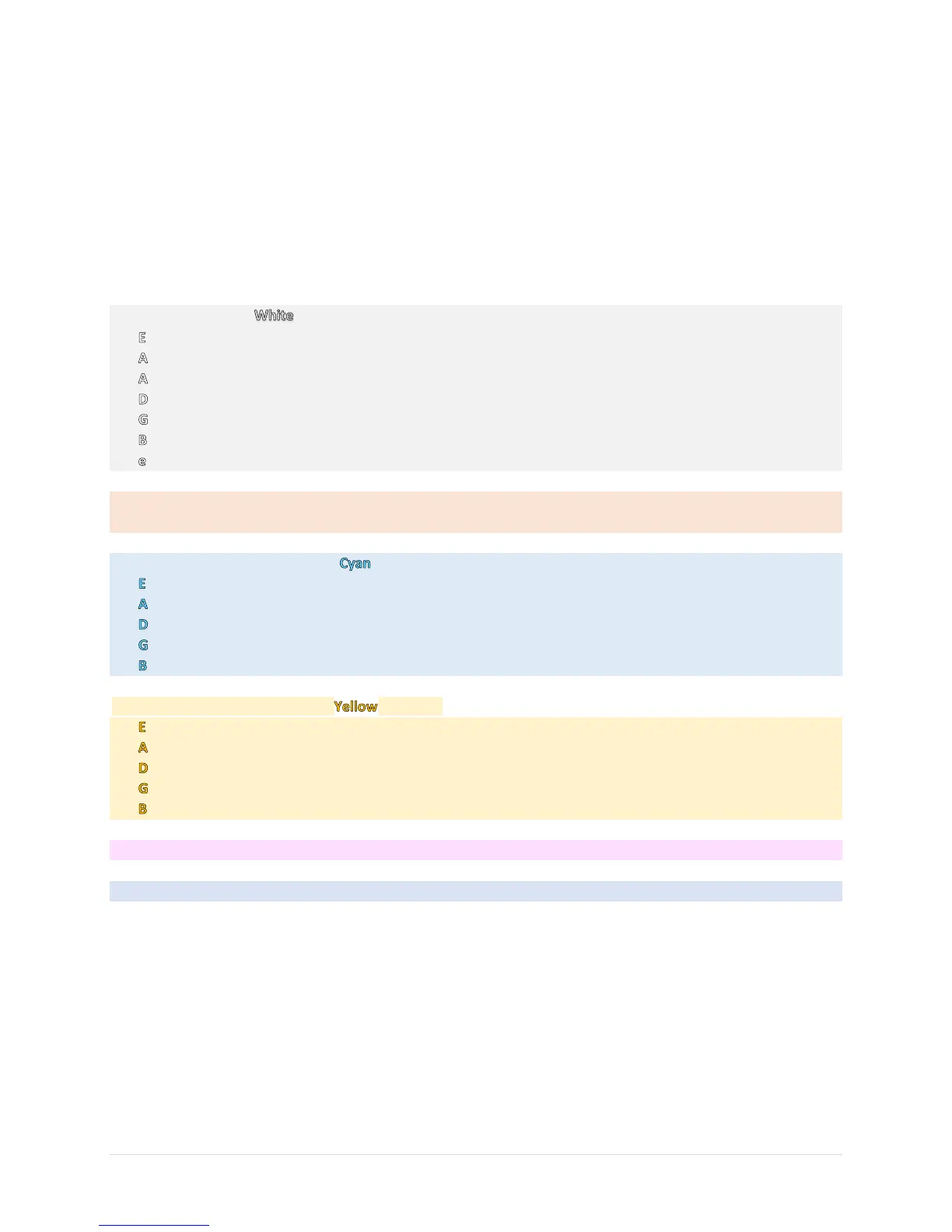
23 Appendix 1: What the String, BAT, and MENU LEDs Colors Indicate
24 Appendix 2: Minimum and Maximum String Frequencies for Alternate Tunings
25 Appendix 3: Custom/Alternate Tuning Tips and Shortcuts
27 Appendix 4: Charging the Gibson G FORCE™ Battery
28 Appendix 5: Gibson G FORCE™ Legal and Safety Information


 To Next Page