10
Operating the telephone, menu overview
Gigaset A2 / gb / A31008-A002-B001-1-6Z19 / guidance.fm / 23.07.2003
Main menu
To open the main menu, press the following display key in idle status, and use
the s key to scroll to the desired entry.
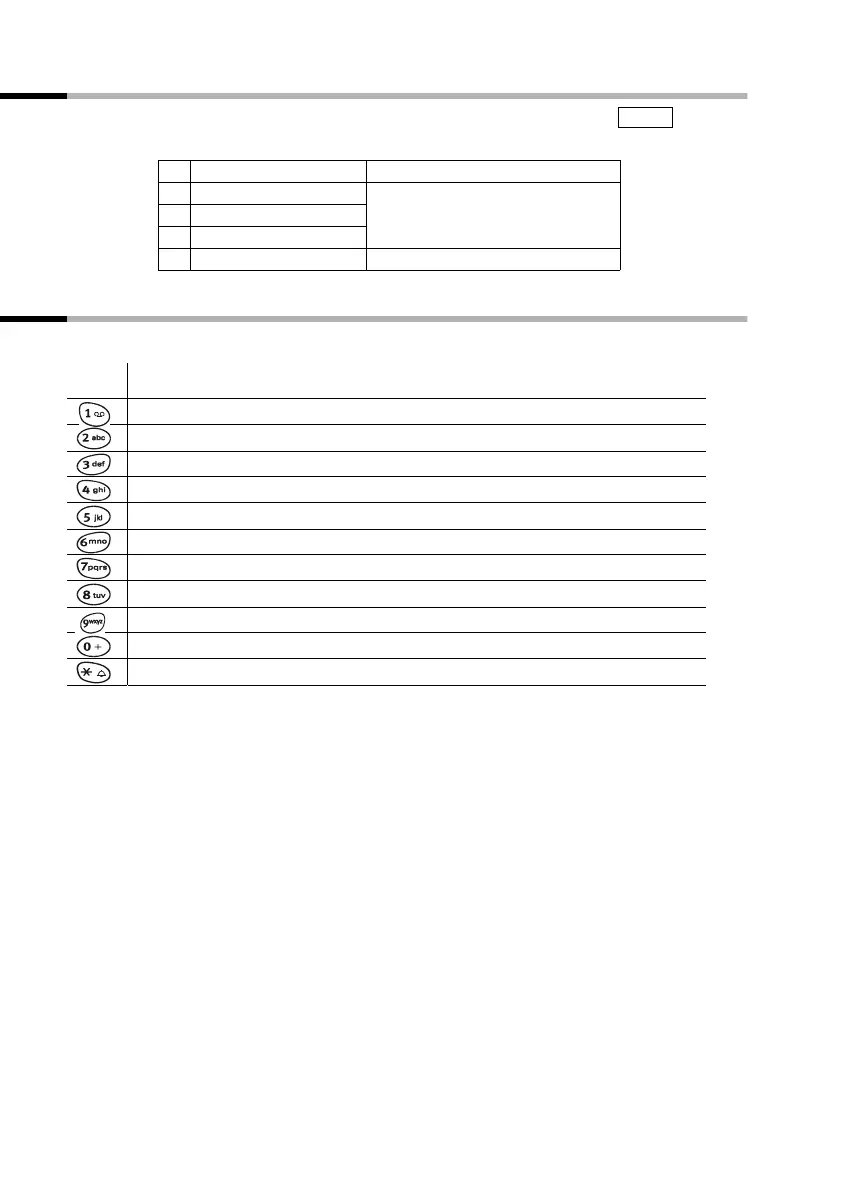
Character map and text entry
Either press the relevant key several times, or hold down.
1 SEL SERVICES
2 AUDIO SET The available menu entries
are dependent on your base.
3BASE SET
4 MAILBOX
5 REGISTER HS
MENU
1 x 2 x3 x4 x5 x6 x
Space
1
ABC2
DEF3
GHI4
JKL5
MNO6
PQRS7
TUV8
WXYZ9
+0-|?_
*
/(),



 To Next Page